A “pending” Farmer Registry status usually means your land claim is waiting for a state revenue official to approve it. This is the normal path when your Aadhaar name and the land record name are close but not close enough for the system to approve on its own. It is not a rejection. Most pending applications move forward once the official reviews them.
This guide explains the common reasons an application stays pending, what is normal, what you can check yourself, and when to escalate. For the full approval sequence, see what happens after you submit.
Starting a fresh registration while one is pending can create a duplicate application. Keep your enrolment number and track the one you already submitted.
What “pending” means
When you submit, the system scores how well your Aadhaar name matches the owner name in the land record. The Uttar Pradesh user manual explains what happens next:
| Score | Result in Uttar Pradesh |
|---|---|
| 15 or below | Blocked automatically |
| 16 to 79 | Goes to the Lekhpal for approval (pending) |
| 80 or above | Approved automatically |
So in Uttar Pradesh, “pending” usually means your score was between 16 and 79. Other states set their own score limits, but the idea is the same: a medium score needs a person to check it.
Common reasons an application stays pending
1. Waiting for the revenue official
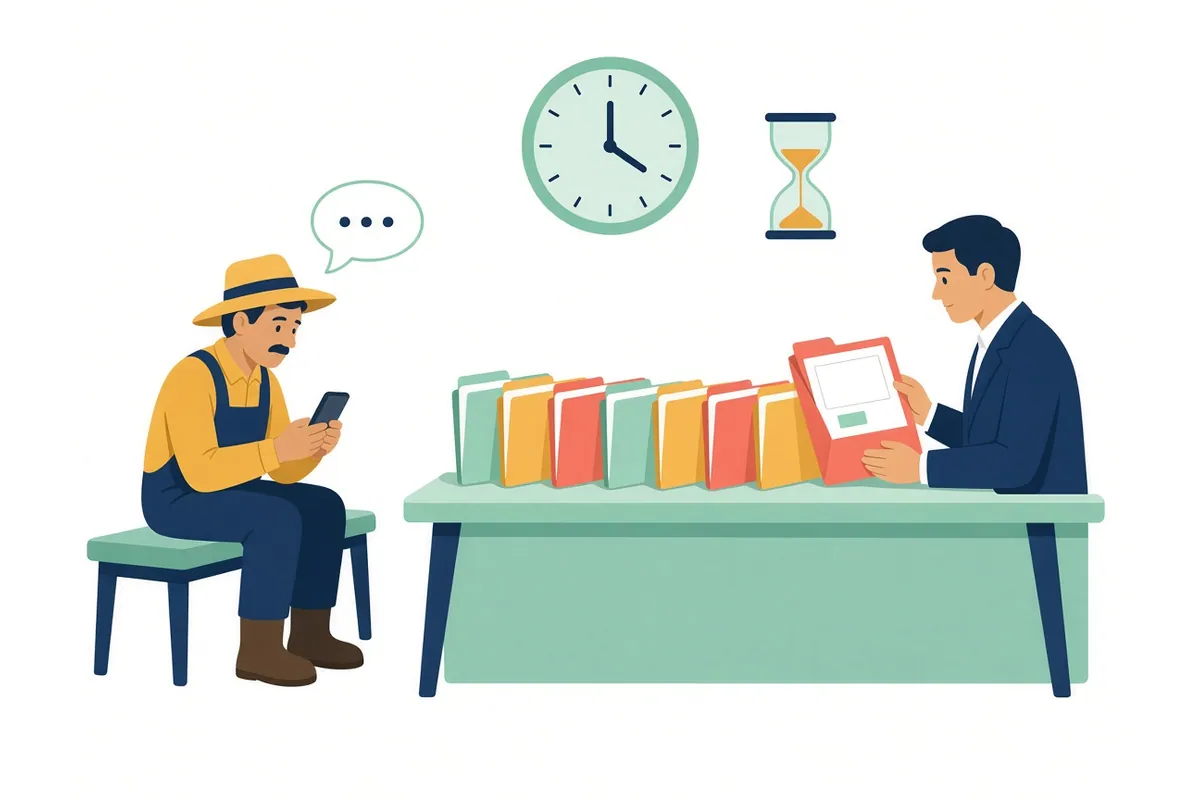
The most common reason. The official FAQ says state revenue officials “will be given IDs for verification and approval of the Farmer’s bucket claim”, and “the onus is on the State revenue officials to approve or reject a claim”. Until they open your claim, it stays pending.
Why officials take time
Officials review claims alongside their regular revenue work. During registration drives, many claims may arrive at once. The FAQ leaves timelines to each state, which “may notify under right to services act”.
2. More than one approval level
The FAQ says each state “may choose a workflow with as many levels of approval as needed to minimize incorrect claims”. If your state uses two levels, your claim may show pending after the first official approves it, while it waits for the second.
3. A large name difference
A claim with a larger name difference is more likely to sit with an official, who has to decide whether you are really the person in the record. The FAQ notes that “the lower the name match score between Aadhaar name and ROR names in buckets, more is the possibility of rejection”.
Common causes are initials in the land record, a surname added or dropped, a name changed after marriage, or a different spelling of the father’s name. See name mismatch.
4. A recent change in the land record
If land was sold, inherited or divided around the time you registered, the official may hold or refuse the claim. The FAQ says the patwari “would be aware that the mutation transaction has occurred and he will disallow the claim” by the old owner. If the land should now be in your name but the record has not caught up, the claim may wait until it does. See land mutation.
5. Land claimed in more than one village
Land is grouped village by village. If you claimed land in several villages, more than one official may need to act, so part of your claim can move faster than the rest. Check the status of each plot where your state’s portal shows it.
6. An update request, not a new registration
If you already have a Farmer ID and added land later through the Update Farmer Request, the update itself can be pending. The Uttar Pradesh manual says update requests with a score of 16 to 79 need the Lekhpal to accept them, and that you can view the request by clicking the eye icon.
7. Approved, but no Farmer ID yet
Sometimes the claim is approved, but the Farmer ID does not appear. The FAQ says a Farmer ID should be created within 24 hours of an approved claim, and that when “this doesn’t happen, state can get technical support from Central team”. Report it to the help desk.
8. Checking in the wrong place
If you check status on the wrong state’s portal or mistype the enrolment number, it may look as if nothing has happened. Each state runs its own portal. See state-wise portals.
How long is normal?
There is no national deadline for approval. Three facts from the official FAQ help set expectations:
- For land claimed at a camp, the FAQ gives 24 hours as the time needed to create the Farmer ID.
- Grievances about land claims are expected to be handled within 10 to 15 days, and states can notify this under their right to services law.
- States can configure auto-approval when officials do not act within a fixed time.
A practical rule of thumb
Ask neighbours who registered around the same time. If their applications moved and yours did not, that is a reason to follow up. If no one’s has moved, the delay is probably on the official side and affects everyone.
What you can check yourself
- Find your enrolment number. It was sent by SMS to the mobile number you gave.
- Check status on your state's official portal. In Uttar Pradesh, the manual points to "Check Enrolment Status" on upfr.agristack.gov.in. See the status check guide.
- Compare your names. Look at your Aadhaar name and the owner name in your land record, and your father's or husband's name in both.
- Check the land record is current. Is the land in your name today? See official land record portals.
- Note the date you submitted. You will need it if you follow up.
First, confirm it was actually submitted
Sometimes “pending” is really “never submitted”. An application that stopped before the last step does not reach any official, so waiting will not help.
Signs that your application was submitted:
- You completed e-Sign. In the Uttar Pradesh manual, the last step is e-Sign with an Aadhaar OTP, after which a message confirms that your land details were added successfully.
- You received an enrolment number. The FAQ says “An Enrolment number is sent to the phone number given at the time of bucket claiming. This can be used to track the status of their claim.”
If you have neither, log in to your state portal and see whether the application can be completed. If you cannot tell, ask the help desk before registering again, because a second registration can create a duplicate record.
Status messages and what to do
Wording differs by state. Use this as a general guide.
| What the portal shows | What it usually means | What to do |
|---|---|---|
| Pending, or pending for approval | Waiting for an official | Wait; follow up if much slower than others |
| Pending at a named level | Passed one level, waiting for the next | Wait; ask the agriculture office if stuck |
| Approved | Claim accepted | Look for your Farmer ID |
| Approved, no Farmer ID | Technical delay | Tell the help desk |
| Rejected | Official did not accept | See application rejected |
| No record found | Wrong number or portal | Recheck the number and state |
When and how to follow up
Follow up in this order. Each step is more formal than the one before, and you will need the information from earlier steps.

Step 1: The village revenue official
The official who reviews claims is usually the village revenue official: lekhpal, patwari, talathi or similar. Ask politely whether your claim has reached them and whether anything is missing, such as a mutation. Take your enrolment number and a copy of your land record.
Step 2: The help desk
The FAQ says “State/district level help desk would be set up to provide assistance to farmers”. It adds that the help desk will try to resolve the issue, or “redirect the farmer to the appropriate official”. Our helpline guide lists the official numbers we have verified, such as the Uttar Pradesh help desk number printed in the state manual.
Step 3: A grievance
The FAQ says: “The farmer registry would have a grievance raising module. Farmer would raise the grievance there and would get a number.” In March 2026, the Ministry told Parliament that “a grievance mechanism is in place through which farmers can raise issues related to land or name mismatch”. Keep the grievance number.
What to write in a grievance
- Your enrolment number and the date you submitted.
- The village and survey numbers you claimed.
- What the portal shows, and since when.
- Anything you already did, such as visiting the lekhpal.
Keep it short and factual. Do not include your full Aadhaar number unless the official form asks for it.
Keep a simple follow-up record
A written record saves time at every office and stops you repeating steps. Note each contact on one page:
| Date | Who you contacted | What they said | Reference number |
|---|---|---|---|
| (date) | Lekhpal, village name | Claim not yet received | — |
| (date) | District help desk | Will check with tehsil | Call reference, if given |
| (date) | Grievance on portal | Submitted | Grievance number |
Take this page with you when you visit an office. It shows that you have followed the steps, and it helps the next official see what has already been tried.
What not to do
- Do not register again. It can create a duplicate. See duplicate record.
- Do not pay anyone to “speed up” approval. Approval is done by officials through the official system.
- Do not share your OTP with anyone who calls about your application.
- Do not claim a relative’s land to get approved faster; the FAQ says such claims are likely to be rejected.
Pending status and schemes
PM-KISAN
In March 2026, the Ministry told Parliament that the Farmer ID “has been made mandatory for only new registrations under PM-KISAN in 19 States where farmer registry work has been commenced”. So if you are a new PM-KISAN applicant in one of those states, a pending Farmer Registry application can hold up your PM-KISAN registration. Existing beneficiaries are not covered by this rule. See Farmer ID and PM-KISAN.
Other services
Other schemes that use the Farmer ID will generally need it to be approved first. Check with the scheme office.
Example: two neighbours
Sunita registered with the same name on Aadhaar and the khatauni. Her score was above 80 and she was approved straight away.
Mohan registered the same day. His land record shows Mohan Lal and his Aadhaar shows Mohan Lal Verma. His score fell in the middle band, so his claim went to the lekhpal and showed “pending” for some time. After the lekhpal checked the record, it was approved. Nothing was wrong with his application; it just needed a person to look at it.
These are illustrations. Actual scores depend on the matching tool and your state’s settings.
For CSC operators
- Explain to farmers that pending is normal for medium scores.
- Give every farmer their enrolment number on paper before they leave.
- Do not start a second registration for a farmer whose first is pending.
- Keep a simple list of submissions and dates, so you can tell the help desk which ones are stuck.