Every state keeps its own land records, and most now show them on an official website run by the revenue department or Board of Revenue. Before you register in the Farmer Registry, open your state’s site, find your plots, and note the survey numbers and the exact spelling of the owner names. The registry reads the same record, so this five-minute check prevents most land errors.
Below is a list of official land record sites for 16 states that we checked on 12 October 2026, with the name each state uses for its records. We only list sites we could confirm on a government domain. Where we could not confirm a site, we say so rather than guess.
We do not show land records, take your Aadhaar number, or log you in anywhere. Every link below goes to the state government’s own site. Check the address bar before you type anything.
Land record portal vs Farmer Registry portal
These are two different websites with two different jobs.
| Land record portal | Farmer Registry portal | |
|---|---|---|
| Run by | State revenue department or Board of Revenue | State agriculture department, on the AgriStack platform |
| What it shows | Owners, plots, areas and other entries in the record of rights | Your Farmer ID registration and status |
| What you do there | Look up your plots and check names | Register, link land, track your application |
| Changes land ownership? | Only through official mutation or correction processes | No |
The official Farmer Registry FAQ says land buckets are “strictly as per ROR”, meaning the record of rights, and that the registry “is not a legal registry for the ownership purpose”. So if something is wrong in your land record, it will be wrong in the registry too, and the fix starts at the revenue office, not the registry.
For Farmer Registry links, see state-wise AgriStack portals.

What to note from your land record
Whichever state you are in, note these for every plot:
- District and sub-district (tehsil, taluka, mandal, circle or block, depending on the state).
- Revenue village exactly as named in the record.
- Plot or survey number, with any sub-division such as /1 or a hissa number. See survey number explained.
- Owner names exactly as spelt, and the father's or husband's name shown with them.
- All co-owners, if the plot is jointly held.
- The date the record was last updated, if shown.
Compare the owner name with the name on your Aadhaar. If they differ a lot, read name mismatch before registering.
Official land record sites by state
Most of these sites ask you to choose the district, sub-district and village first, then search by owner name, account number or plot number. Menus change, so follow the labels on the site.
Uttar Pradesh
- Site: UP Bhulekh, Board of Revenue
- Records: khatauni (account-wise record of owners), khasra or gata number (plot)
- For the registry: note the gata number and any sub-division. The Uttar Pradesh portal can search the live Bhulekh record when your name is not shown. See the Uttar Pradesh guide.
Maharashtra
- Site: Mahabhumi Bhulekh, Revenue Department
- Records: 7/12 extract (satbara), 8A, survey or gat number
- For the registry: the plot number is the survey or gat number on the 7/12. The 8A lists an owner’s holdings. See the Maharashtra guide.
Madhya Pradesh
- Site: MP Bhulekh, Commissioner Land Records
- Records: khasra, khatauni, B1, survey number
- For the registry: use the khasra or survey number. See the Madhya Pradesh guide.
Gujarat
- Site: AnyROR, Revenue Department
- Records: 7/12 (Village Form 7) and 8A (Village Form 8A), survey number
- For the registry: note the survey number and block number if your record shows one. See the Gujarat guide.
Rajasthan
- Site: Apna Khata, Board of Revenue
- Records: jamabandi, khasra number
- For the registry: use the khasra number. See the Rajasthan guide.
Bihar
- Site: Bihar Bhumi, Revenue and Land Reforms Department
- Records: jamabandi, khata, khesra
- For the registry: khesra is the plot number; khata is the account. If the jamabandi is still in an ancestor’s name, it needs mutation before you can claim the land. See the Bihar guide.
Haryana
- Site: Jamabandi Haryana (WEB-HALRIS), Revenue Department
- Records: jamabandi (nakal), khewat, khatoni, khasra
- For the registry: khasra is the plot; khewat and khatoni are account numbers. See the Haryana guide.
Punjab
- Site: Punjab Land Records, Revenue Department
- Records: jamabandi (fard), khewat, khasra
- For the registry: as in Haryana, khasra is the plot number.
Odisha
- Site: Bhulekh Odisha
- Records: record of rights, khata, plot number
- For the registry: use the plot number; the khata groups plots. See the Odisha guide.
Assam
- Site: Dharitree, Revenue and Disaster Management Department
- Records: jamabandi, chitha, dag number, patta number
- For the registry: dag is the plot number; patta is the account. See the Assam guide.
Karnataka
- Site: FRUITS, the state’s farmer database linked to Bhoomi land records
- Records: survey number, hissa, RTC (pahani)
- For the registry: note the survey and hissa number. We could not confirm a separate RTC viewing site on an official domain on the check date, so it is not listed. See the Karnataka guide.
Tamil Nadu
- Site: Tamil Nadu e-Services, Commissionerate of Land Administration
- Records: patta, chitta, A-Register, survey number
- For the registry: use the survey number and sub-division. See the Tamil Nadu guide.
Andhra Pradesh
- Site: Mee Bhoomi, Revenue Department
- Records: adangal, 1B, survey number, LP map
- For the registry: use the survey number. See the Andhra Pradesh guide.
Telangana
- Site: Bhu Bharati, Revenue Department
- Records: pahani, pattadar passbook, survey number
- For the registry: use the survey number. See the Telangana guide.
Chhattisgarh
- Site: Bhuiyan, Revenue and Disaster Management Department
- Records: B1, khasra number, P-II
- For the registry: use the khasra number. See the Chhattisgarh guide.
Uttarakhand
- Site: Bhulekh Uttarakhand, Board of Revenue
- Records: khatauni, khasra
- For the registry: use the khasra number. See the Uttarakhand guide.
States not yet listed
We have not yet verified land record sites for Kerala, Jharkhand, Himachal Pradesh, Tripura, Jammu and Kashmir, Goa, Puducherry or West Bengal. Until we do, start from your state revenue department’s official website (look for a .gov.in or .nic.in address), or ask the tehsil or village revenue office. Do not rely on search adverts or look-alike sites.
Online view, printout and certified copy
State sites usually offer more than one kind of record. Knowing the difference saves money and trips.
Online view
A record shown on screen is enough to check your plot numbers and the spelling of names before registering. Take a screenshot or write the details down.
Printout of the online record
Some sites let you print the record. Many printouts say they are for information only. They are useful to carry to a camp or CSC so the operator can enter the right numbers.
Certified or digitally signed copy
Some states issue certified copies, either at the tehsil office or online with a digital signature, sometimes for a fee. These are what banks, courts and offices usually ask for. For Farmer Registry self registration you normally do not need one, because the registry reads the digital record directly. The official FAQ says that when a state opens self-mode claiming, the checks are electronic and the farmer does not have to bring or show documents.
Checking from a distance
You do not need to be in the village to check your record. If you work in a city or another state, you can open your home state’s site on a phone and look up your plots. This is also a good way for family members to help an elderly farmer prepare before a camp.
If the site only works in the state language, ask someone who reads it, or note the numbers, which are the same in any script.
After a change in the record
If a mutation, partition or correction has just been approved, check the online record again before you register or update your registry profile. Updates can take time to appear online. If the change is not yet shown, the registry will not see it either. Keep the order or receipt from the revenue office until the online record matches.
Reading a joint holding
Where several people own a plot together, the record usually lists all of them, sometimes with each person’s share. Note whether shares are written against each name. This decides whether the registry creates one Farm ID for the group or one per owner. See joint land and women farmers.
How to tell an official site from a fake one
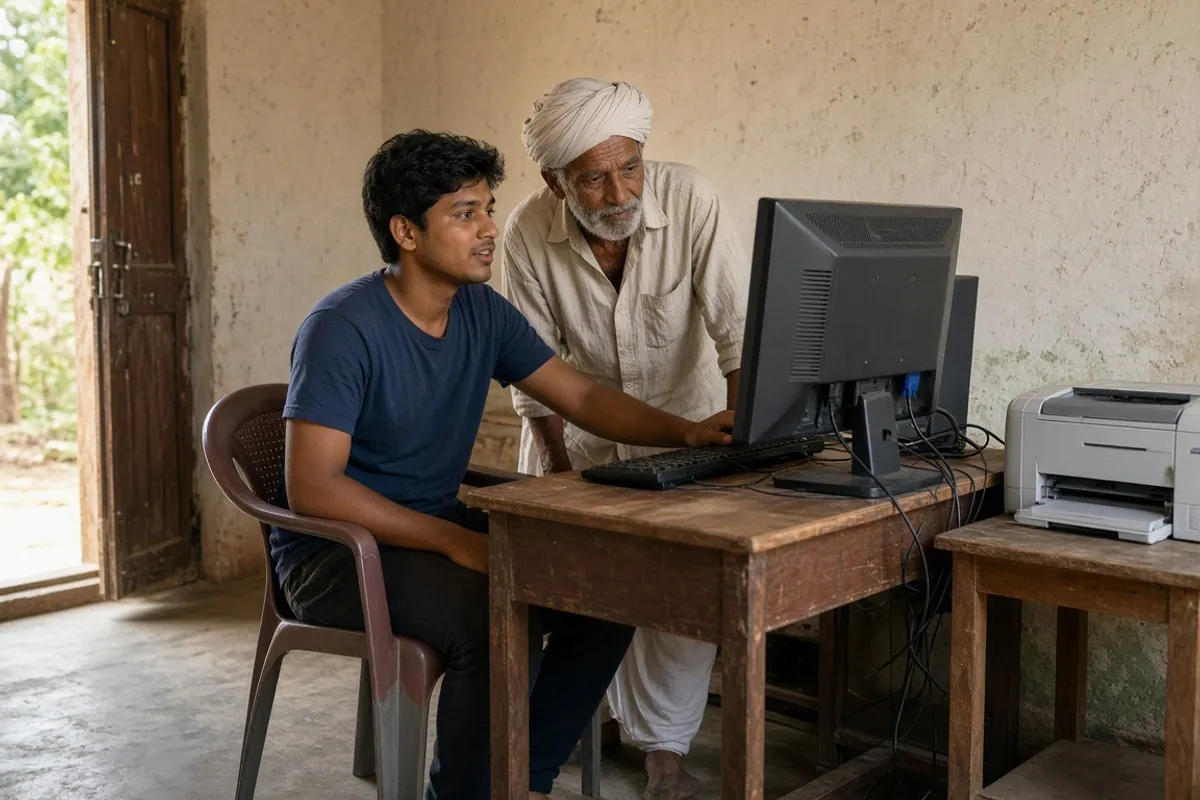
Many private websites copy the look of land record portals to show adverts or collect data. Some are harmless; some are not. Check these points:
The address
Official state sites almost always end in .gov.in or .nic.in. Words like “bhulekh” or “bhumi” in a .com, .in, .org or .co.in address do not make a site official.
What it asks for
Viewing a land record does not normally require your Aadhaar number or an OTP. Be careful with any site that asks for your Aadhaar number, OTP, bank details or a fee just to show a record.
Payments
Some states charge for certified or digitally signed copies. Pay only on the official site or at an authorised centre, and keep the receipt.
Apps
Download state apps only from links on the official state site or from the official app store listing published by the department. See fake AgriStack websites and apps.
When the land record does not look right
Your name is missing
The plot may still be in a parent’s, grandparent’s or seller’s name. The registry cannot link land that is not in your name in the record. Ask the revenue office about mutation. See land mutation and the Farmer Registry and inherited land.
Your name is spelt differently
A different spelling can lower the name-match score when you register. Decide whether to correct the land record or Aadhaar. See name mismatch.
The plot or area is wrong
Errors in area, plot number or boundaries are corrected through the revenue office under your state’s rules. The registry follows the corrected record.
The site does not load
State sites sometimes go down for maintenance or are slow at busy times. Try later, or ask the village revenue official for the details. Our portal not opening guide covers the Farmer Registry side.
Why this check matters for the Farmer Registry
The official FAQ says that when your land is not shown automatically, you claim it by entering the district, sub-district, village, survey number and sub-survey number. It also says that in camps, farmers are asked to show their land records with survey and sub-survey numbers. Having these details ready from the official site means:
- you choose the right village the first time;
- you enter the correct survey number and sub-division;
- you spot a name difference before it causes a rejection;
- you know which plots should appear, so you notice if one is missing.
For the full registration flow, see Farmer Registry online registration. If land does not appear, see land details error.
For CSC operators
- Open the official land record site with the farmer before starting registration.
- Note every plot’s district, sub-district, village, survey number and sub-division.
- Compare the record name with the Aadhaar name and warn the farmer about large differences.
- Do not use private look-alike sites, even if they load faster.
How we check these links
We confirmed each site on 12 October 2026, either by loading the page or, where the site blocks requests from outside India, from official page content on the government domain. Government sites change address from time to time. If a link stops working, tell us through the contact page and we will recheck it.