After you e-Sign and submit your Farmer Registry application, you get an enrolment number by SMS. Your land claim is then scored by comparing your Aadhaar name with the owner name in the land record. A high score can be approved by the system. A medium score goes to a state revenue official, who approves or rejects it. Once approved, a Farmer ID is created against your Aadhaar.
This guide walks through each stage in order, explains what the officials are checking, and shows what you can do at each point. It uses the official national FAQ and the Uttar Pradesh user manual, which is the most detailed state manual we have verified. Other states follow the same design, but set their own score limits and approval levels.
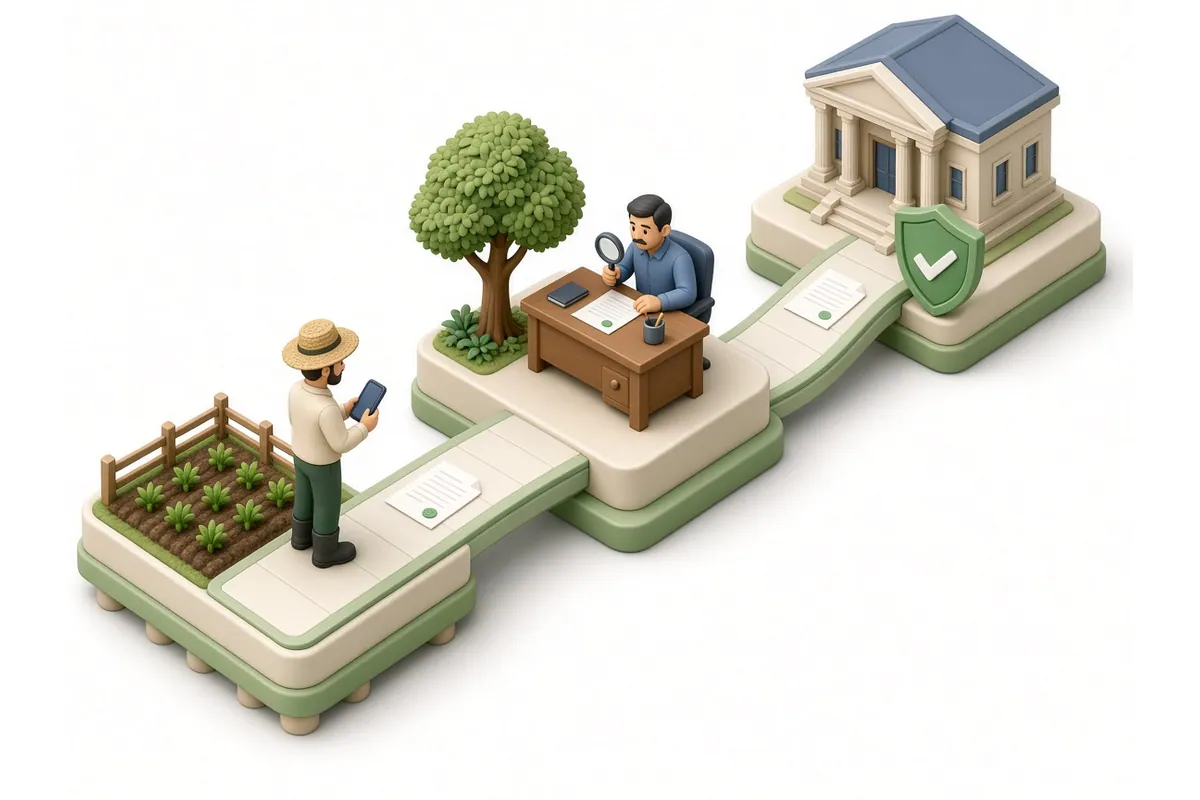
Submit, then enrolment number, then name-match score, then auto-approval or official review, then Farmer ID. Keep your enrolment number safe; it is the only way to track the application until the Farmer ID exists.
The approval journey at a glance
| Stage | What happens | Who does it |
|---|---|---|
| 1. Submission | You give consent and e-Sign with an Aadhaar OTP | You |
| 2. Enrolment number | A draft ID is sent to your mobile | System |
| 3. Name-match score | Your Aadhaar name is compared with the land record name | System |
| 4. Decision | Auto-approved, sent for review, or blocked, depending on score and state rules | System and revenue official |
| 5. Farmer ID | Created against your Aadhaar after approval | System |
| 6. After approval | Add missed land or update details | You, through the Update Farmer Request |
Stage 1: Submission and e-Sign
The last step of registration is consent and e-Sign. In the Uttar Pradesh manual, you tick the consent and declaration boxes, click “Proceed to eSign”, choose OTP-based authentication, enter your Aadhaar number, and enter the OTP sent to your Aadhaar-linked mobile. The manual then shows a message that your land details were added successfully.
The official FAQ explains why e-Sign matters. When a farmer claims land, they choose their name from the owner list, the system verifies ownership from the record of rights, and “finally he gives his esign with a consent to be a part of Agri Stack”. The FAQ also says the link between a farmer and their land is not shared with outside entities without explicit consent given through e-Sign.
If e-Sign fails, the application is usually not complete. Check that the OTP came to your Aadhaar-linked number. See OTP not received.
Stage 2: The enrolment number
The official FAQ says: “An Enrolment number is sent to the phone number given at the time of bucket claiming. This can be used to track the status of their claim.”
What the enrolment number looks like
The FAQ describes the draft Farmer ID, which is the enrolment number, as “Statecode-Districtcode-VillageCode-running serial number with zero padding”. So it identifies the state, district and village where you claimed land, plus a serial number.
Enrolment number vs Farmer ID
The two numbers are easy to confuse. The FAQ is clear that the enrolment number does not become the Farmer ID:
| Enrolment number | Farmer ID | |
|---|---|---|
| When you get it | On submitting your land claim | After the claim is approved |
| What it is for | Tracking your application | Identifying you for schemes and services |
| Format | State, district and village codes plus a serial number | A 10-digit random number plus a 1-digit checksum |
| How long it lasts | “Relevant till farmer id is created” | No validity limit; “it is for the lifetime to the farmer” |
| Created against | Your land claim in that state | Your Aadhaar |
Write the enrolment number down and keep the SMS. Our status check guide explains how to use it.
Stage 3: The name-match score
As soon as you add land, the system compares your name with the owner name in the land record. The Uttar Pradesh manual says a score is “calculated on the basis of name matching in Aadhaar and land details”.
How the score works
The FAQ describes the name-match score as an indicator of how closely two names match: “Zero score means no match and 100 score means perfect match. States can take a call on fixing threshold match score.”
The comparison is not only on your name. The FAQ says “the name match is done on both the farmer and his/her father’s name”, and land is grouped by the owner’s name and their father’s or husband’s name. Records in a local language are transliterated before comparison; the FAQ says the C-DAC matching tools can “transliterate Indian language script to English and compare”.
What the score means in Uttar Pradesh
The Uttar Pradesh manual sets out three bands:
| Name-match score | What happens in UP |
|---|---|
| 15 or below | Blocked automatically; not allowed |
| 16 to 79 | Goes to the Lekhpal for approval |
| 80 or above | Approved automatically by the system |
Other states can use different limits. The national FAQ leaves the threshold to each state.
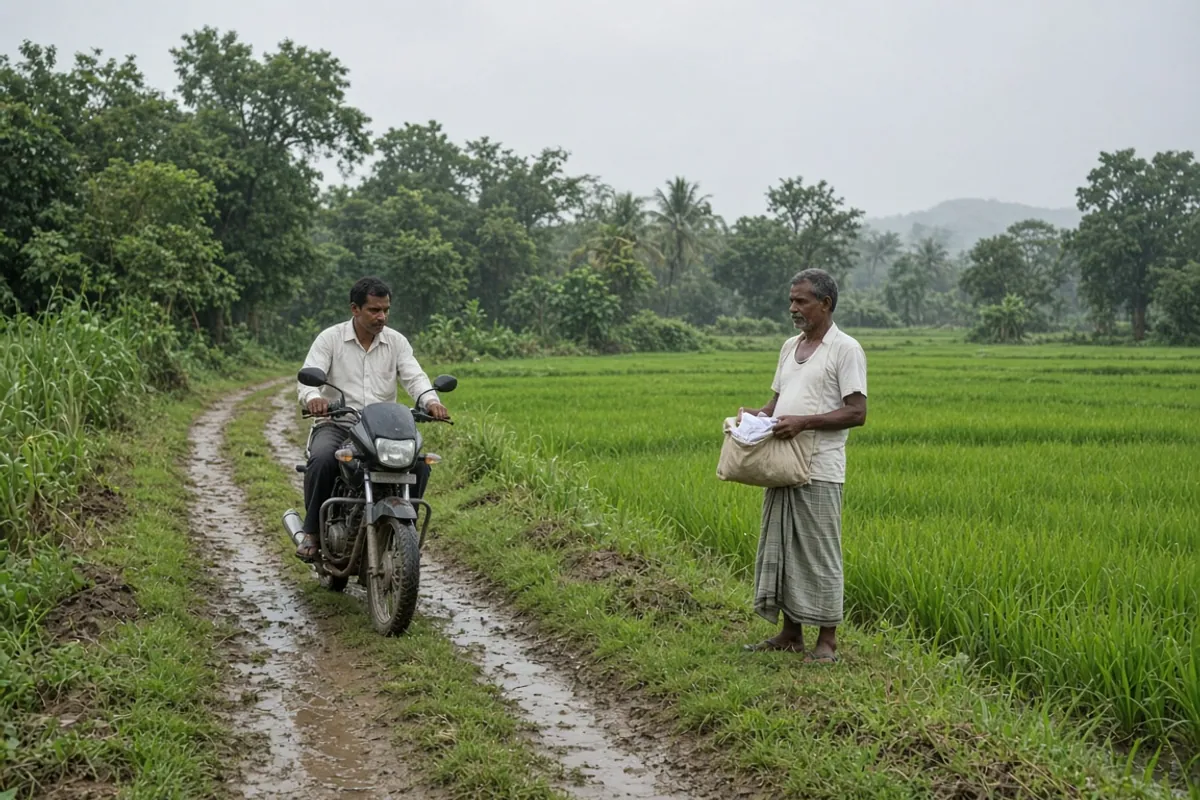
Example: a medium score
Suppose your Aadhaar says Ramesh Kumar Yadav and the land record says Ramesh Yadav, with the same father’s name. The names are close but not identical, so the score may fall in the middle band. In Uttar Pradesh, that claim would go to the Lekhpal rather than being approved automatically. This is normal, not an error. See name mismatch for more examples.
Stage 4: Official review and decision
Who reviews your claim
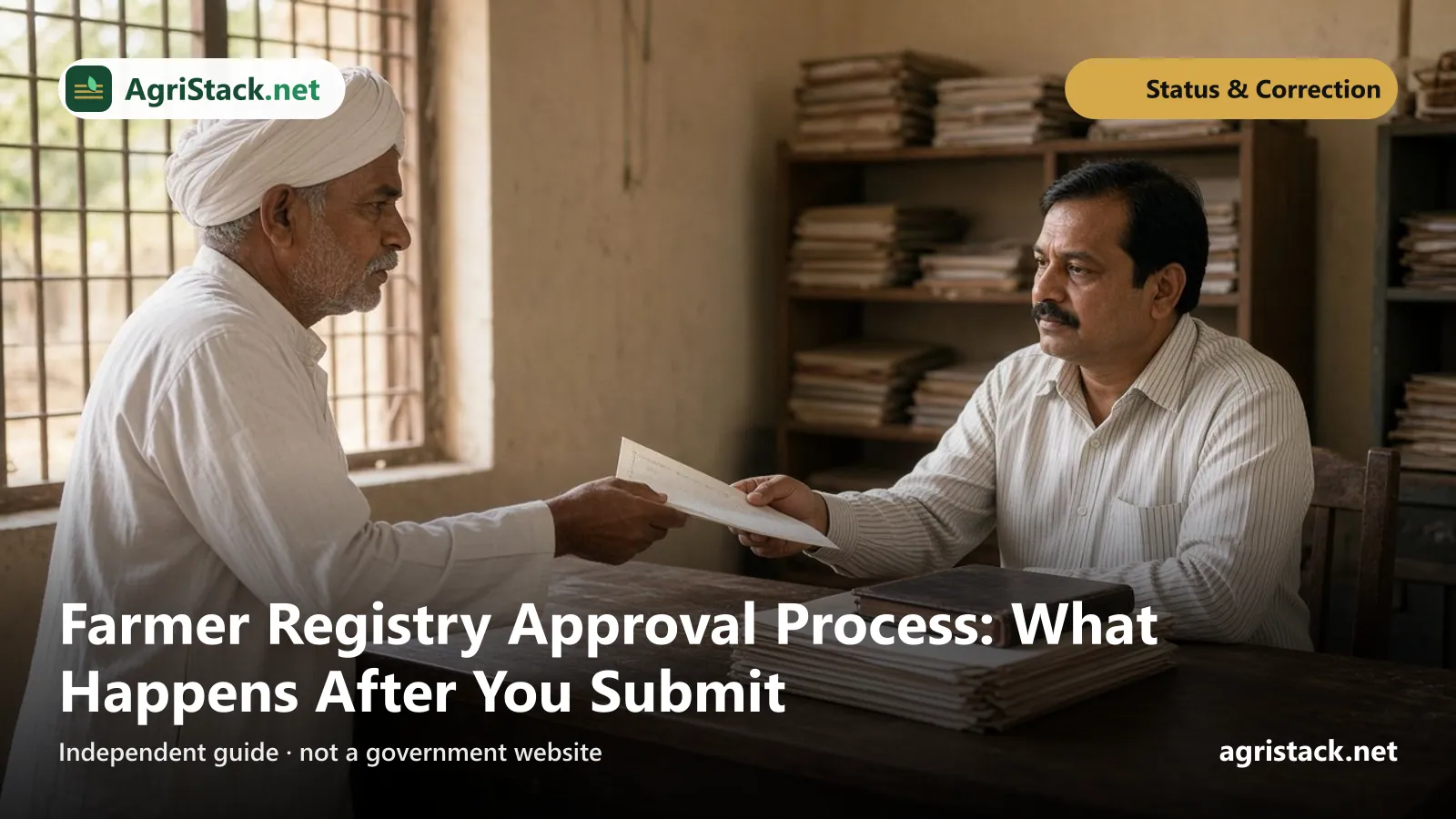
The FAQ says: “The State revenue officials will be given IDs for verification and approval of the Farmer’s bucket claim. The onus is on the State revenue officials to approve or reject a claim.” States may use their revenue and agriculture department structure for field verification.
The official’s title depends on the state: lekhpal, patwari, talathi, village administrative officer and others.
What the official checks
The official is mainly checking that you are the person named in the land record. The FAQ notes that “the lower the name match score between Aadhaar name and ROR names in buckets, more is the possibility of rejection”. The official may also know about recent changes. The FAQ says a patwari who knows that a mutation has happened “will disallow the claim” by the old owner.
Levels of approval
The FAQ says each state “may choose a workflow with as many levels of approval as needed to minimize incorrect claims”. So in one state a single official decides; in another a claim may pass through two levels.
Auto-approval when officials do not act
To avoid claims waiting for ever, the FAQ says “an auto-approval may be configured by the State”, so that a claim is approved “if the officials do not act on it within a stipulated time”. Whether your state uses this, and after how long, is a state decision.
Rejection
The FAQ lists the common reasons claims are rejected:
- the names in Aadhaar and the land record do not match closely enough, even when they are the same person;
- the land is not in the farmer’s name in the land record;
- the owner has died and mutation has not been done;
- the record of rights is still in the seller’s name, not the buyer’s.
If your claim is rejected, see application rejected. The FAQ says the appeal process “needs to be determined by the State”. In a March 2026 reply to Parliament, the Ministry said “a grievance mechanism is in place through which farmers can raise issues related to land or name mismatch”.
Stage 5: The Farmer ID is created
The FAQ says the Farmer ID “SHOULD get generated after bucket claim is approved”. It is created against your Aadhaar, not against your land, so “farmers with lands in multiple states get a single Farmer ID against their Aadhaar”.
How long it takes
The FAQ answers “How much time / days is required for creation of Farmer ID after the claiming of bucket is done in the camps?” with: “24 hours”. That is the time for the system to create the ID once a claim is approved. The time your claim spends waiting for official review is separate and varies by state.
If the Farmer ID does not appear
The FAQ says that when a Farmer ID is not generated after approval, the state “can get technical support from Central team”. As a farmer, contact your state or district help desk with your enrolment number. See Farmer Registry helpline.
Is there a printed card?
The FAQ says a printed card “is the decision of the State govt.”, and that states can create “digitally verifiable credentials which are like portable ID cards”. Do not pay anyone for a “Farmer ID card” unless your state’s official portal or office tells you to.
Stage 6: After approval
Adding land you missed
The Uttar Pradesh manual describes the Update Farmer Request (UFR) flow, which “allows farmers to add remaining land parcels that were missed during initial farmer registration”. It adds: “UFR can be used only after the Farmer ID is approved.” In the manual, you log in, open “Update My Information”, choose land ownership and land details, and click ”+ Add New Land (Owned)”.
Update requests are scored the same way. The manual says if all added land has a name-match score above 80 it is auto-approved, and if the score is 16 to 79 the Lekhpal must accept it.
Changing other details
The FAQ says “There is a process called UFR, using which the Farmer can update their records”, configured by each state. See Farmer ID correction.
When land changes hands later
The FAQ says that after a claim is approved, if a mutation happens, the land moves to the new owner in the registry automatically, because the registry follows the land record. See land mutation.
Checking where your application is
The Uttar Pradesh manual says farmers can check approval status on the state portal using “Check Enrolment Status”. The FAQ says each state’s Farmer Registry portal lets farmers check their application status.
| What you see | What it usually means | What to do |
|---|---|---|
| Submitted or pending | Waiting for official review | Wait; follow up after a reasonable time |
| Approved | Claim accepted | Note your Farmer ID |
| Rejected | Official did not accept the claim | Read the reason; fix the record |
| No record found | Wrong number or wrong state portal | Check the enrolment number and state |
Status wording varies by state. For more, see status pending.
How to avoid delays
- Check your land record first. Make sure the land is in your name and the spelling is close to your Aadhaar. See official land record portals.
- Use your own Aadhaar-linked mobile. The OTP and enrolment SMS go there.
- Claim only your own land. Claims on a relative's land are likely to be rejected.
- Finish e-Sign. An application without e-Sign is incomplete.
- Save the enrolment number the moment it arrives.
- Follow up through official channels if nothing changes for a long time.
How long is too long?
The national FAQ does not set a deadline for official review. It does say grievances about land claims are expected to be handled “within 10/15 days” and that this “can be notified under right to services of the respective state”. The timeline for camps and review is also left to the state, which “may notify under right to services act”.
If your application has been pending much longer than others in your village, ask at the agriculture or revenue office, or raise a grievance. The FAQ says the registry has “a grievance raising module” that gives you a number.
For CSC operators
- Tell the farmer that a medium score means waiting for an official, not failure.
- Make sure the farmer receives and writes down the enrolment number before leaving.
- Do not submit claims on land that is not in the farmer’s name.
- Explain that the enrolment number and the Farmer ID are different numbers.