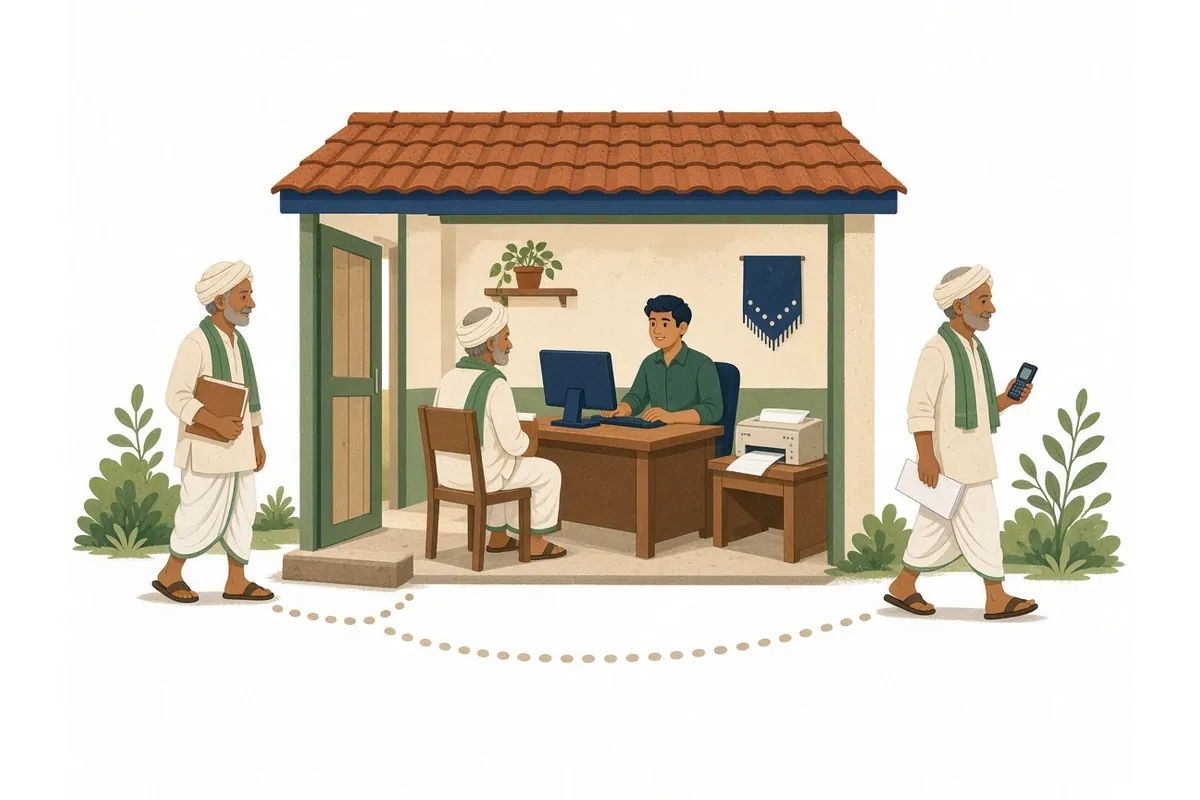
A Common Service Centre (CSC) can register you in your state’s Farmer Registry if you cannot or do not want to do it yourself on a phone. The operator uses the same official state portal, verifies you with your Aadhaar, helps you claim your land from the land records, and gives you an enrolment number to track your application. You still need to be there in person, with the phone linked to your Aadhaar.
This guide explains how to find a CSC, what to bring, what happens at the counter, what you may be charged, and what to do when something goes wrong.
Ask the CSC whether it is doing Farmer Registry registrations now. Take your Aadhaar, the mobile phone linked to your Aadhaar, and your land record details (village and survey, khasra or gata numbers).
Why CSCs are involved
CSCs are one of the routes the Government has named for farmers who cannot register on their own. The Ministry of Agriculture and Farmers Welfare told Parliament in March 2026 that farmers who do not have mobile phones “can use existing support structures like Farmer-Producer Organisations (FPOs), KrishiSakhis, and Common Service Centres (CSCs) to get them registered on AgriStack and access services and benefits”, and that states are organising camps “so that no farmer is left out”.
How states have used CSCs
- Maharashtra: In August 2026, the Ministry said Maharashtra ran a campaign through CSCs “to ensure that the maximum number of farmers obtain their Farmer IDs at the earliest”. See our Maharashtra guide.
- Haryana: In May 2026, the Haryana government announced that Farmer Registry registration and PM-KISAN e-KYC would be done through CSCs across the state. Its press release reported CSC’s statement that it had already registered “over 2.8 crore farmers across states, including Uttar Pradesh, Maharashtra, Madhya Pradesh, Gujarat, Rajasthan, Tamil Nadu, Assam, and Odisha”. See our Haryana guide.
Whether CSCs are taking registrations in your district at a given time depends on your state. Ask at the CSC or your agriculture office.
What a CSC is, and what it is not
A CSC is a local service point run by a village-level entrepreneur (VLE) who is authorised to offer government services online. It is not a government office, and the operator does not approve your Farmer ID. The official FAQ says the claiming process “is managed by the State officials” and that “each claim goes through the approval process, controlled by the State officials”. The CSC only submits your application on the portal.
How to find a CSC near you
- Find My CSC, the National Informatics Centre’s locator at
findmycsc.nic.in, lets you search by state, district, sub-district, village, PIN code or CSC ID. - The CSC Locator app is published by CSC e-Governance Services India Limited and finds centres by state, district, PIN code or your location.
- Your gram panchayat, agriculture office or a nearby camp can usually name the CSC that is doing Farmer Registry work in your village.
Not every CSC offers every service at every time. Call or visit first and ask specifically about “Farmer Registry” or “Farmer ID” registration.
Self, CSC or camp: which is right for you?
| Option | Good for | Things to know |
|---|---|---|
| Self registration on phone | Farmers with a smartphone and an Aadhaar-linked mobile who know their land details | Free; you control your data; you need to follow the screens. See online registration |
| CSC | Farmers without a smartphone, or unsure of the process | Operator does the screens; you must be present for OTPs; check charges |
| Camp | Farmers in villages where the state holds registration camps | Officials are present; often organised by village; see registration camps |
| Agriculture or revenue office | Complex cases, such as name mismatches or land issues | Can advise on fixing records |
All routes lead to the same Farmer ID. Your application goes through the same approval process however you register. The official FAQ says the name match is done on both the farmer’s and father’s name “either in self mode or in other mode”, so the accuracy checks are the same.
What to bring
- Aadhaar card, or at least your Aadhaar number.
- The mobile phone linked to your Aadhaar. OTPs for e-KYC and e-Sign are sent there. If your mobile is not linked, update it at an Aadhaar centre first. See OTP not received.
- Land record details for every plot: district, sub-district, revenue village, survey, khasra or gata number, and sub-division. A recent copy of your land record helps. The official FAQ says that for claims in camps, farmers “must show their land records, including the survey and sub-survey numbers, along with their Aadhaar details”. Our land record names by state guide explains what these numbers are called where you live.
- Any extra documents your state asks for. Some states link registration with state schemes or IDs. Ask the CSC in advance.
Full list: documents required.
What happens at the counter
- The operator opens the state Farmer Registry portal (an address ending in
agristack.gov.in) using their authorised login. - Aadhaar e-KYC. An OTP is sent to your Aadhaar-linked mobile. Other verification methods depend on what your state's portal supports.
- Your details come from Aadhaar. The operator fills in other fields, such as farmer type and occupation, with you.
- Land claim. Your land is fetched, or searched by village and survey number. You check each plot, your name and the area.
- Consent and e-Sign. You agree to the consent shown and sign electronically, usually with another OTP.
- Enrolment number. An SMS with your enrolment number is sent to your mobile. Ask the operator to write it down for you too.
What the operator can and cannot do
| The operator can | The operator cannot |
|---|---|
| Open the official portal and fill the screens with you | Approve your claim or issue a Farmer ID |
| Search your land by village and survey number | Change the name, area or owner in your land record |
| Tell you your name-match score and whether it looks low | Register land that is not in your name in the land record |
| Give you the enrolment number and check status later | Complete Aadhaar OTP steps without your phone |
| Explain the consent before you e-Sign | Fix an Aadhaar name or mobile number (that is an Aadhaar centre’s job) |
If an operator offers to do something from the right-hand column, such as “adjust” a land record or register land in your name that the record shows under someone else, refuse. Only the revenue office can change land records.
Before you leave: a two-minute check
Ask the operator to show you the summary screen, and check:
- Your name as it appears, and the name-match score if shown. A low score means an official will look closely at your claim. See name mismatch.
- Every plot you expected, with the right village and survey number, and the area or share.
- No plot that is not yours.
- The enrolment number has arrived by SMS on your phone.
If a plot is missing, ask the operator to search for it before you sign. If the land is found but under someone else’s name, it cannot be claimed until the record is corrected.
Problems that often come up at the CSC
The OTP does not arrive
The OTP goes only to the mobile linked to your Aadhaar. If it does not arrive, the operator can wait and try again, because UIDAI server delays happen on busy days. If it never arrives, your mobile is probably not linked to your Aadhaar. You will need to visit an Aadhaar enrolment centre first. Our OTP not received guide walks through every cause.
Your land is not found
Check the district, sub-district and revenue village, then the survey number exactly as written on your record, including any sub-division. If the record still does not show, see land details error.
The land is in a parent’s name
If the owner shown in the land record has died, the land must first be transferred to the heirs through a succession mutation at the revenue office. A claim made before that will not match your name. See inherited land and land mutation.
The land is jointly owned
Each co-owner registers separately with their own Aadhaar. One person cannot register a brother’s or wife’s share. Each co-owner comes with their own phone, or uses their own route. See joint land and women farmers.
You farm land you do not own
Tenant and sharecropper registration depends on state rules. Ask the CSC whether your state has opened a route for tenants, and read tenant farmers and the Farmer Registry.
Someone wants to register for you
Your registration needs your Aadhaar OTP and your e-Sign. A relative, agent or operator cannot do it without you. If an elderly or sick farmer cannot travel, ask the agriculture office whether a camp or assisted visit is planned in the village. Do not send OTPs to anyone by phone.
Fees: should you pay?
There is no single national CSC fee for Farmer Registry registration that we could find. What you pay depends on your state.
- Haryana said on 15 May 2026 that the ₹15 per farmer service fee for PM-KISAN e-KYC would be “entirely borne by the government”, that “Farmers will not be charged any amount whatsoever”, and that “CSC centres have been given strict instructions not to collect any money from farmers”.
- Nationally, the Government said in April 2025 that ₹15,000 per camp had been provided to states to organise registration camps, and ₹10 per Farmer ID had been provided from PM-KISAN’s administrative fund as an honorarium “to the field functionaries involved in the creation of the Farmers’ Registry”.
Our advice:
- Ask the CSC before starting whether there is a charge, and how much.
- Ask for a receipt if you pay anything.
- Compare with your state’s notice. If your state says the service is free, do not pay.
- Report overcharging to your district agriculture office.
- Remember self registration is always an option if you have an Aadhaar-linked phone.
Protect your Aadhaar and OTP
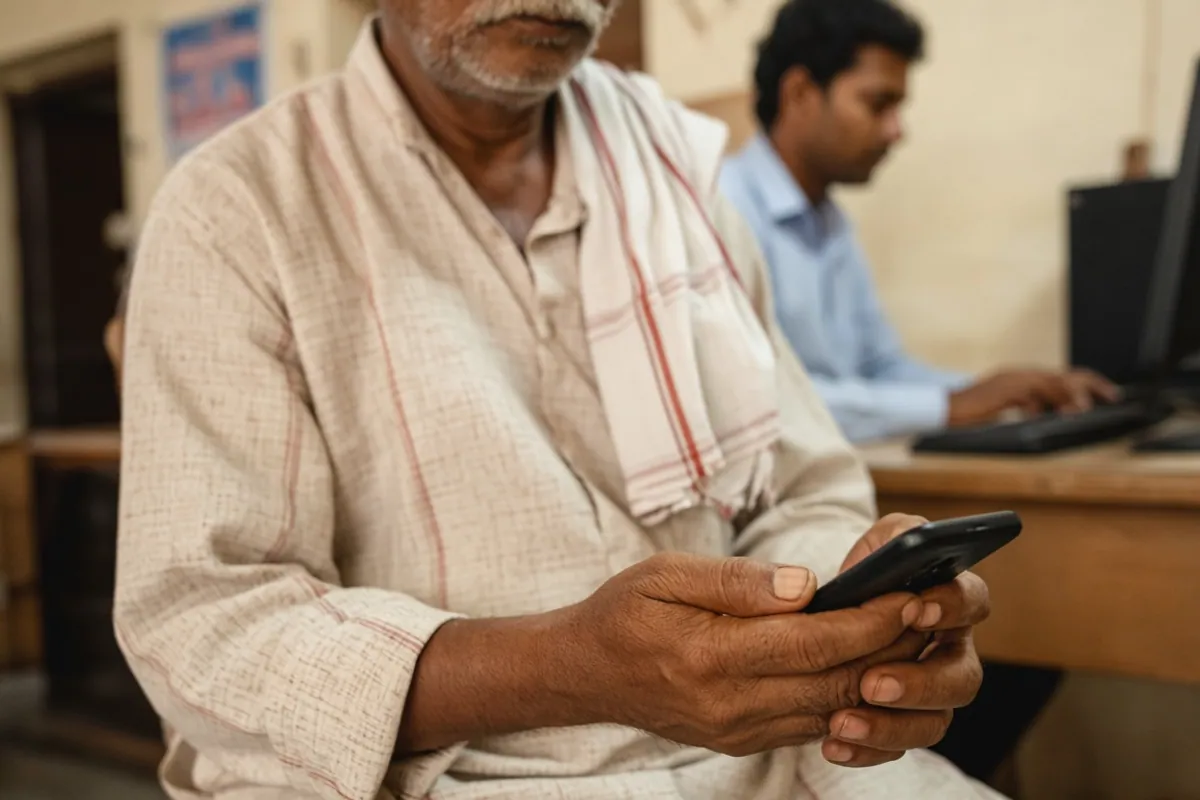
- Be present. Registration needs OTPs sent to your phone. Give them only at the counter, for your own registration.
- Never share an OTP over the phone, even with someone who says they are from a CSC or the government.
- Do not leave your Aadhaar card at the CSC. A photocopy should not be kept without reason.
- Check the screen shows the official state portal address ending in
agristack.gov.in. - Keep your enrolment number private. It is used to track your application.
The official FAQ also says the Farmer Registry application does not store Aadhaar numbers (they are kept in a separate data vault), and that your farmer and land linkage is not shared with outside organisations without your e-Signed consent.
After the visit
- Track your status with the enrolment number. See status check.
- If pending a long time, ask the agriculture office. See status pending.
- When approved, your Farmer ID is generated. The official FAQ says this takes about 24 hours after approval.
If something went wrong
- A plot is missing after approval: you can usually add land later through the update option on your state portal, at the CSC or yourself.
- Your claim was rejected: find the reason (usually a name or land-record problem), fix the record, and apply again. See application rejected.
- Someone else claimed your land, or you think a mistake was made: contact the state or district help desk. The official FAQ says the help desk will “attempt to resolve the issue” or redirect you to the right official, and that the registry is meant to have a grievance module that gives you a grievance number.
- How long grievances take: the FAQ says grievances about land claims are “expected” to be handled within 10 to 15 days, and that states can notify this under their right to services law. Appeals against rejection are decided by each state.
Remember that the Farmer Registry is not an ownership record. The FAQ says it “is not a legal registry for the ownership purpose and it is only for the purpose of services and benefits”. Ownership disputes go to the revenue office or court, not the CSC.
For CSC operators (VLEs)
Before you start
- Use only the official state portal and your authorised login. Do not share credentials.
- Confirm the farmer’s mobile is linked to Aadhaar before starting, to avoid failed OTPs.
- Check land records first. If land is in a deceased parent’s name, explain that a mutation is needed rather than submitting a claim that will be rejected.
During registration
- Read out the name-match score and explain what a low score means.
- Show the farmer the plots claimed and read out the consent before e-Sign.
- Never claim land shown under a different person’s name.
After registration
- Give the farmer the enrolment number in writing.
- Keep a simple register of enrolment numbers for follow-up, if your state allows it.
- Follow your state’s instructions on fees, and display them if required.
See also CSC login vs farmer login.