An official Farmer Registry website has an address ending in .gov.in. The national AgriStack site is agristack.gov.in, and state Farmer Registry portals use addresses such as upfr.agristack.gov.in (Uttar Pradesh) or mhfr.agristack.gov.in (Maharashtra). Government policy reserves .gov.in for government bodies. If a site asks for your Aadhaar or OTP and its address does not end in .gov.in, close it.
Fake sites, apps and phone calls usually want one of three things: your OTP, your money, or your personal data. This guide shows how to check a website address properly, the warning signs of fraud, and what to do if you have already shared something.
AgriStack.net is not a government website. It is an independent information site. We do not register farmers, we never ask for Aadhaar numbers, OTPs or passwords, and we do not sell cards. For registration, we link to official portals only.
Five-second check
- Look at the address bar, not the page design.
- Read the address from the right. Does the main part end in
.gov.in? - Did you arrive from a link in a message or ad? Type the address yourself instead.
- Is anyone asking for money? Stop.
- Is anyone asking for your OTP outside the official portal? Stop.
How to read a web address correctly
Why .gov.in matters
The Government’s .IN domain policy says the .gov.in zone is “reserved for the Government”, with registrations handled by NIC. Private companies and individuals cannot get a .gov.in address.
Read from the right
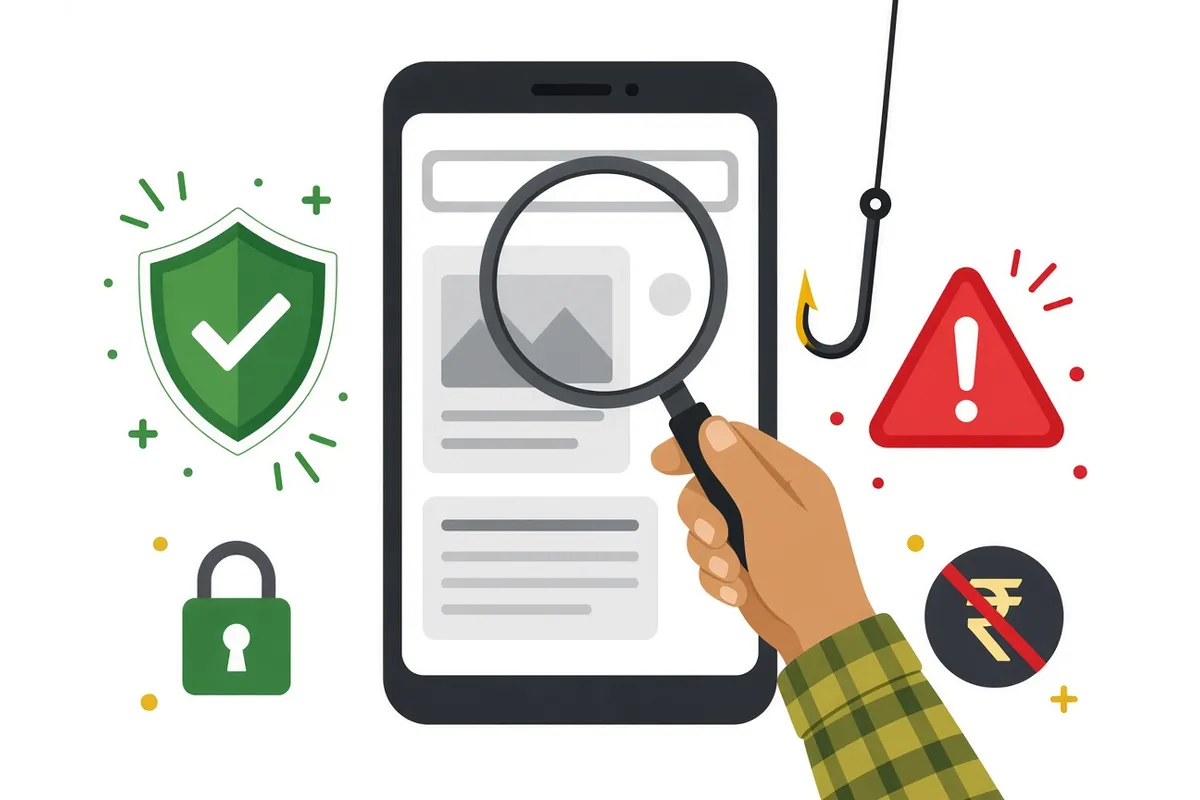
Fraudsters put official-looking words at the start of the address. What matters is the end of the main address, before the first single /.
| Address | Official? | Why |
|---|---|---|
https://upfr.agristack.gov.in/... | Yes | Ends in agristack.gov.in |
https://agristack.gov.in/ | Yes | National AgriStack site |
https://fruits.karnataka.gov.in/ | Yes | Karnataka’s FRUITS portal, ends in karnataka.gov.in |
https://upfr-agristack.gov.in.example.com/ | No | Really ends in example.com |
https://agristack-gov-in.example.com/ | No | Uses “gov-in” as a word; ends in example.com |
https://farmer-id-card.example.in/ | No | Not .gov.in |
(The non-official examples are made-up patterns, not real sites.)
Official state portals
Most states use the pattern <state code>fr.agristack.gov.in. Karnataka uses FRUITS. Our state-wise portals page lists the verified address for each state. Bookmark yours.
“But the real portal also asks for my Aadhaar and OTP”
Yes, and that is what makes fake sites convincing. In the official Uttar Pradesh flow, you enter your Aadhaar number and an OTP from your Aadhaar-linked mobile at sign-up, and an Aadhaar OTP again for e-Sign. The difference is where you type them:
| Safe | Not safe |
|---|---|
Typing the OTP yourself on a page whose address ends in .gov.in | Typing it on any other site |
| Typing it at a CSC counter where you can see the official portal | Reading it out to a caller |
| Entering it within minutes of requesting it yourself | Receiving an OTP you did not request, then being asked for it |
If you get an OTP you did not ask for, someone may be trying to use your Aadhaar or mobile number. Do not share it.
Common types of fraud
1. Lookalike websites
What they do: copy the design and logos of a government site, then ask you to “register” by entering your Aadhaar number and OTP.
How to spot them: the address does not end in .gov.in. They may also ask for a “registration fee”.
2. Paid “Farmer ID card” sites
What they do: offer to print a “Kisan ID card” or “Farmer ID card” for a fee, sometimes with your photo and a QR code.
What the official FAQ says: whether a printed Farmer ID card is issued “is the decision of the State govt.”, and states “would be able to create digitally verifiable credentials which are like portable ID cards”. A card made by a private website is not an official credential.
3. Fake apps
What they do: use names and icons like the official ones, then collect your details or show ads.
How to avoid them: only install an app through a link on your state’s official portal or from your agriculture department. The FAQ says official registry apps “are in local language”, but a local-language app is not automatically official.
4. OTP phone calls and messages
What they do: a caller says they are from the “Farmer Registry”, “AgriStack”, “PM-KISAN” or a bank, and says your registration will be cancelled unless you share an OTP.
The truth: in the official flow, OTPs are entered by you on the portal, for example during sign-up and e-Sign in the Uttar Pradesh manual. No genuine official needs you to read an OTP out over the phone. See OTP not received.
5. “Guaranteed approval” agents
What they do: charge money to “approve” a rejected or pending application.
The truth: claims are approved or rejected by state revenue officials based on the land record. See application rejected.
6. Fake “last date” messages
What they do: WhatsApp forwards claiming “register today or lose your benefits”, with a link.
What to do: check the official state portal or announcements. Do not click the link in the message.
7. Fake social media pages and videos
What they do: pages and channels with names like “AgriStack Official” or “Farmer ID Help” post registration links, ask you to message them your details, or promote paid services.
How to check: a social media page cannot prove it is official by its name or logo. Use the link on agristack.gov.in or your state portal instead of links in posts, comments or video descriptions.
Examples of scam messages
These are made-up examples, written to show the patterns.
“Your Farmer ID will be BLOCKED today. Update KYC now: agristack-update.example.com”
Red flags: threat, urgency, and an address that does not end in .gov.in.
“Congratulations! Your Kisan ID card is ready. Pay ₹99 for home delivery.”
Red flags: a fee, and the official FAQ says printed cards are a state decision.
“This is the agriculture office. An OTP has been sent to verify your land. Please tell me the number.”
Red flag: no genuine official needs you to read out an OTP.
How to check a helpline number
- Find it yourself on an official site. Our helpline guide lists numbers we have verified from official documents, such as the Uttar Pradesh Farmer Registry help desk number printed in the state manual.
- Do not trust numbers in search ads, comments, or messages from strangers.
- Be wary of incoming calls. A help desk you call is safer than a “help desk” that calls you.
How to check an app before installing
- Start from the official portal. If the state portal links to an app, use that link.
- Check the developer name on the app store page. A government app is usually published by a government department or its technical agency.
- Read the permissions. An app that wants your contacts, SMS and call logs for “registration” deserves suspicion.
- Avoid APK files sent on WhatsApp or downloaded from unknown sites.
- If unsure, use the website on your state portal, or a CSC.
Protect your Aadhaar
UIDAI’s myAadhaar service at myaadhaar.uidai.gov.in lets you check whether your mobile number is linked, and offers options to protect your Aadhaar, such as locking biometrics. If you think your Aadhaar details have been misused, use UIDAI’s official channels.
Warning signs

| Official portal | Fake site or caller |
|---|---|
Address ends in .gov.in | Address ends in .com, .in, .online, .xyz or similar |
| You enter OTPs yourself on the page | Someone asks you to tell them the OTP |
| No fee mentioned for self-registration in official sources | Asks for a “registration”, “card” or “approval” fee |
| Status checked with your enrolment number | Promises “instant Farmer ID” |
| Help desk numbers published on official sites | Calls you from an unknown mobile number |
| Information in a calm, plain tone | Threats, urgency, countdown timers |
What the real registry does with your data
The official FAQ describes several protections:
- “Farmer Registry Application does not store Aadhaar. Aadhaar is stored in Data vault.”
- Farmer and land linkage “are not shared with any external entities, without an explicit consent from the Farmer, which the Farmer needs to provide with e-sign”.
- “Information of any one Farmer is not visible to other Farmers in Agri Stack.”
- Sharing with external entities is to be done “with explicit consent from the farmer using Agri Stack consent manager”.
A fake site offers none of this. Anything you type goes straight to the people running it.
If you have already shared something
- If you shared an OTP or bank details, call your bank at once and ask them to block transactions.
- Report the fraud on the national cyber crime helpline 1930 or at cybercrime.gov.in.
- Change your Farmer Registry password on the official portal if you shared it.
- Tell your state Farmer Registry help desk so they can check your record. See helpline numbers.
- Keep evidence: screenshots, the website address, phone numbers and payment receipts.
Why the Farmer Registry attracts fraud
The Farmer ID is linked to schemes that move money: the Ministry told Parliament in March 2026 that it supports PM-KISAN registrations, crop insurance, MSP procurement, credit, input distribution and disaster relief. Registration also uses Aadhaar and OTPs. That combination (money, identity and urgency) is exactly what fraudsters look for. Expect more fake messages around scheme deadlines, instalment dates and registration camps.
Reporting a fake website or app
When you report, give clear details:
| Detail | Example |
|---|---|
| The website address or app name | Copy it exactly from the address bar or app store |
| How you found it | Search ad, WhatsApp forward, SMS, social media post |
| What it asked for | Aadhaar, OTP, fee, bank details |
| Whether you shared anything | What, and when |
| Any payment | Amount, date, UPI ID or account shown |
Report on 1930 or cybercrime.gov.in. If the site pretends to be your state’s portal, tell your state help desk too, so they can warn other farmers.
Share this with your village
A short version for WhatsApp groups and notice boards:
- Official Farmer Registry sites end in .gov.in.
- Never tell anyone your OTP.
- The official sources do not mention any fee for self-registration.
- Private “Farmer ID cards” are not official.
- Report fraud on 1930.
Safe habits
- Bookmark your state’s official portal and always use the bookmark.
- Never click registration links in WhatsApp forwards or SMS from unknown numbers.
- Do not search and click the first ad. Ads can appear above official results.
- Use a CSC if you are unsure. See CSC guide.
- Tell older family members about OTP fraud. Many fraud calls target them.
For CSC operators
- Use only the official portal address for your state.
- Do not let anyone outside the counter see or hear a farmer’s OTP.
- Warn farmers about private “Farmer ID card” sellers.