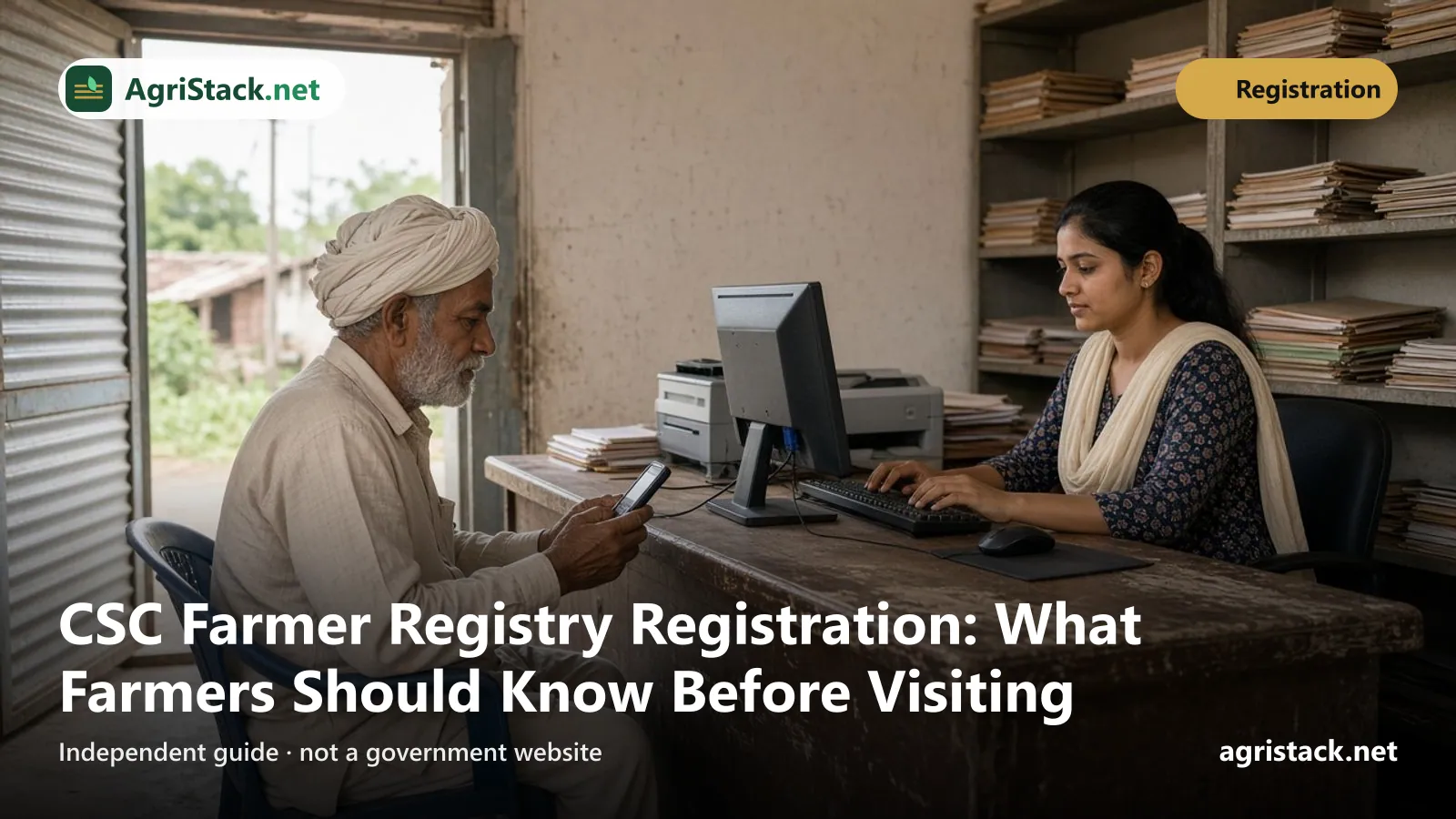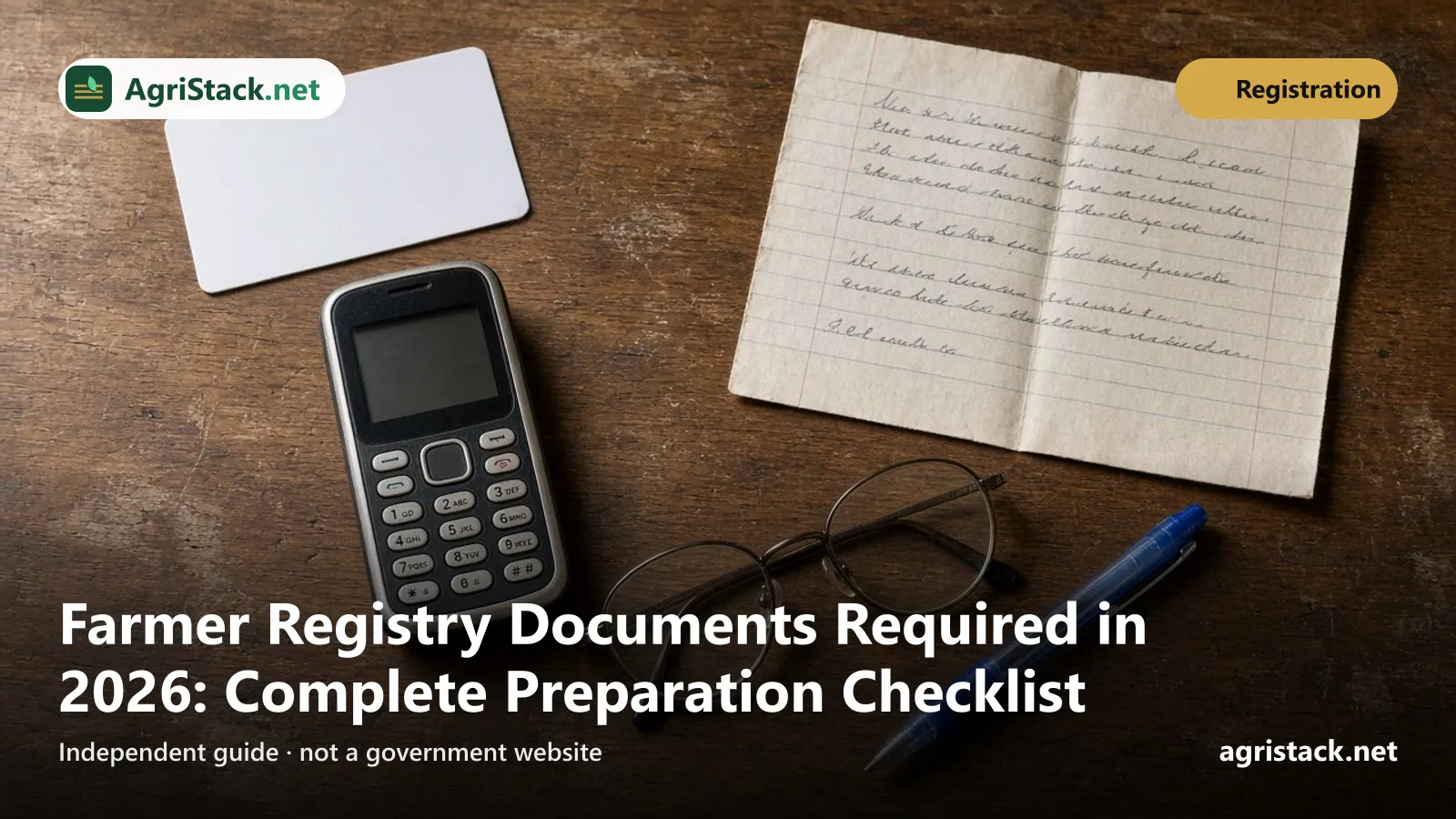
To register in the Farmer Registry you need three things: your Aadhaar number, a mobile phone with your Aadhaar-linked number for OTP, and the details of your land from the current land record. In self mode you do not upload or show papers; the official FAQ says the checks are electronic. At a camp or CSC, you may be asked to show your land record and Aadhaar details.
What matters most is not the paper itself but whether the details match: the name on your Aadhaar, the name in your land record, and the land being recorded in your name. This checklist covers what to have ready, what to check before you start, and what is not needed.
- Aadhaar number.
- Mobile phone with the number linked to your Aadhaar, switched on and with signal.
- Land details for every plot: district, sub-district, village, survey number, sub-survey number.
- Your name and your father’s or husband’s name exactly as written in the land record.
What you need, by registration mode

| Item | Self mode (phone or computer) | Camp or CSC |
|---|---|---|
| Aadhaar number | Yes | Yes |
| Aadhaar-linked mobile for OTP | Yes | Yes |
| Land record details | Yes, typed or selected | Yes; the FAQ says farmers “must show their land records” |
| Physical documents | Not needed; checks are electronic | Bring your land record copy and Aadhaar |
| Uploading scans | No upload step in the UP manual | Done by the operator if the state needs it |
| Your own device | Phone or computer with internet | Not needed |
The FAQ explains the difference: at camps, “Farmers must show their land records, including the survey and sub-survey numbers, along with their Aadhaar details”. But “as and when state opens up claiming of lands/buckets in self mode then all checks would be electronic and farmer would not be required to bring or show any documents”.
Must-have item 1: Aadhaar
Why Aadhaar is needed
The Farmer ID is created against your Aadhaar. The FAQ says “Farmers with lands in multiple states get a single Farmer ID against their Aadhaar”. Aadhaar also supplies your name, photo and address during registration. In the Uttar Pradesh manual, your farmer details are fetched automatically after you verify your Aadhaar with an OTP.
Is your Aadhaar data safe?
The FAQ says “Farmer Registry Application does not store Aadhaar. Aadhaar is stored in Data vault.” The registry itself stores a randomly generated Farmer ID.
Check before you start
- Your name on Aadhaar: how close is it to the name in your land record?
- Your address: the Uttar Pradesh manual has an option to “Insert latest residential details” if the fetched address is not correct.
Must-have item 2: Aadhaar-linked mobile number
Why it matters
Self-registration uses OTPs at several points. In the Uttar Pradesh manual (written in Hindi) you enter an OTP received on the mobile number linked to your Aadhaar at sign-up, then verify a mobile number with a second OTP, and finally use an Aadhaar OTP again for e-Sign. Your enrolment number is also sent by SMS: the FAQ says it goes “to the phone number given at the time of bucket claiming”.
How to check your linked number
On UIDAI’s myAadhaar website, the “Verify Email/Mobile” service tells you whether a number is linked to your Aadhaar. If it is not, the mobile number has to be updated at an Aadhaar centre. See OTP not received for the full set of checks.
If you do not have a mobile phone
In March 2026, the Ministry told Parliament that farmers who do not have mobile phones “can avail services and benefits by utilising existing support facilities such as Common Service Centres (CSCs) and state government offices at Block and Tehsil level”. See CSC guide.
Must-have item 3: Land record details
Why land details matter most
The registry links you to the land in your state’s record of rights. Your plots may appear automatically. If they do not, the FAQ says you claim them by entering “the name of the district, subdistrict, and village where the land is located, along with the survey number and sub-survey number from their land records”.
What to note for every plot
| Detail | Example | Where to find it |
|---|---|---|
| District | Sitapur | Land record header |
| Sub-district (tehsil, taluka, mandal) | Biswan | Land record header |
| Revenue village | As written in the record | Land record header |
| Survey or khasra number | 121 | Plot column |
| Sub-survey or hissa number | 121/1 | Plot column |
| Owner names | Exactly as written | Owner column |
| Father’s or husband’s name | Exactly as written | Owner column |
Our survey number guide explains these numbers, and land record names by state shows what they are called where you live.
Where to get your land record
Most states show the record of rights online. See official land record portals for the verified list. A recent printout is helpful at camps, but the registry reads the current digital record.
Helpful but not always needed
- A recent land record printout for each village where you own land. Useful at camps and CSCs, and for checking numbers.
- Mutation order or receipt if land was recently transferred to you and the online record has not caught up.
- A pen and paper to write down your enrolment number.
- A password you will remember. The Uttar Pradesh self-mode sign-up asks you to create a password, which you later use with your mobile number to log in.
What is not needed
Based on the Uttar Pradesh self-mode manual and the national FAQ:
- No document upload in the UP self-mode flow.
- No bank passbook or bank details step in the UP self-mode flow.
- No income certificate or caste certificate is mentioned in either source.
- No payment is mentioned for self-registration in either source.
Other states can add their own requirements. If a step asks for something unusual, check that you are on your state’s official portal ending in .gov.in. See fake AgriStack websites.
Preparation checklist: the day before
- Find your state's official portal on our state-wise portals page.
- Check your Aadhaar-linked mobile on myAadhaar.
- Open your land record on the state site and confirm the land is in your name.
- Write down every plot's details, village by village.
- Compare names. Aadhaar name vs land record name, and your father's or husband's name in both.
- Fix big problems first. Land in a late parent's name needs mutation; a very different name needs correction.
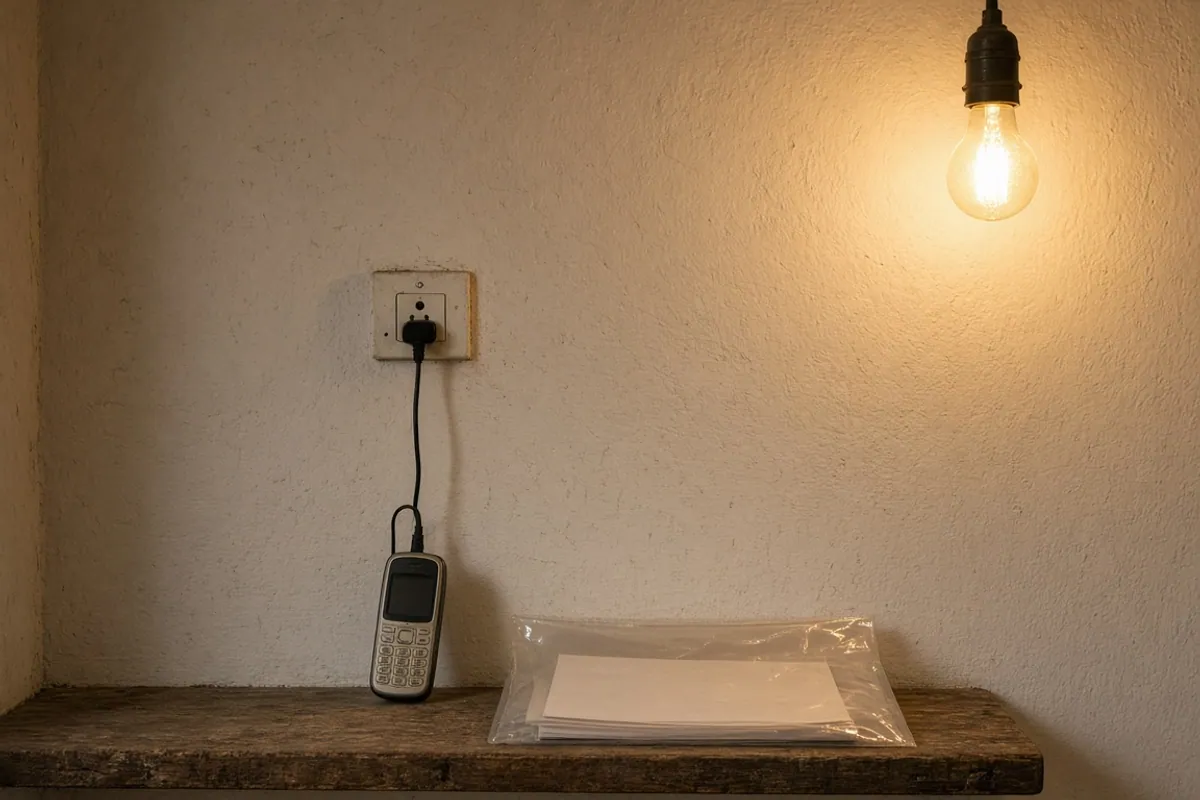
- Charge your phone and make sure you have signal and data.
- Set aside 30 minutes when the phone with the linked number will be with you.
Name check worksheet
The registry compares your name and your father’s or husband’s name in Aadhaar with the names in the land record. The FAQ says “Zero score means no match and 100 score means perfect match”, and states choose their own thresholds. Fill in a simple comparison before you start:
| In Aadhaar | In land record | Same? | |
|---|---|---|---|
| Your name | Ramesh Kumar Yadav | Ramesh Kumar | Close; surname missing |
| Father’s or husband’s name | Suresh Yadav | Suresh | Close; surname missing |
(Example only.)
How to read your result:
- Same or nearly the same: you are ready.
- Small differences (a missing surname, a short form, a spelling): usually reviewed by an official rather than blocked. In Uttar Pradesh, scores from 16 to 79 go to the Lekhpal.
- Completely different names: fix the record before you register. See name mismatch.
Extra papers for special situations
You do not upload these in the UP self-mode flow, but they are what the revenue office will ask about if your land record needs updating first. Ask your tehsil exactly what it accepts.
| Situation | What usually needs to happen first | Papers commonly involved |
|---|---|---|
| Land in a late parent’s name | Succession mutation | Death certificate, proof of heirs as the office requires |
| Land bought recently | Sale mutation | Registered sale deed, mutation application |
| Name spelt wrongly in the record | Record correction | Aadhaar and any document showing the correct name |
| Family partition | Partition entry in the record | Partition deed or order, as the office requires |
| Cultivating someone else’s land | Depends on state policy | Lease or tenancy papers, if your state recognises them |
The list of documents for mutation and correction is set by each state. Treat this table as a starting point for your conversation at the tehsil, not as a legal list.
Common preparation mistakes
- Bringing only the Aadhaar card. Without land details, you cannot claim land.
- Using an old land record printout. The registry reads the current record. If land changed hands, the old printout misleads you.
- Forgetting a village. Farmers with land in two villages often add only the home village. See multiple land plots.
- Leaving the linked phone at home. OTPs go to the Aadhaar-linked number, not to whichever phone you carry.
- Registering on a site found through an ad. Use the official portal address only.
- Paying an agent for “documents”. Self-registration in the official flow needs no purchased documents.
What happens during registration
Knowing the steps helps you prepare. In the Uttar Pradesh self-mode manual, the flow is:
- Sign up with your Aadhaar number and the OTP sent to your Aadhaar-linked mobile.
- Verify your mobile number with a second OTP and create a password.
- Sign in with your mobile number, password and captcha, then choose “Register as Farmer”.
- Check the farmer details and photo fetched from Aadhaar, and your residential details.
- Choose your village and farmer type, and fill in occupation details.
- Click “Fetch Land Details”, or search by village and survey number, then add each plot.
- Click “Verify All Lands”; a name-match score is calculated.
- Give consent and e-Sign with an Aadhaar OTP.
Other states follow a similar design but screens differ. See online registration for the full walk-through.
Special situations
Land in more than one village or state
Note each village separately. Land in another state is claimed on that state’s portal, but the FAQ says you still get a single Farmer ID against your Aadhaar. See multiple land plots.
Jointly owned land
Each co-owner registers with their own Aadhaar and mobile. See joint land and women farmers.
Land still in a late parent’s name
The registry follows the current record, so mutation comes first. See inherited land.
Tenant farmers
If you do not own the land, check whether your state includes tenants. See tenant farmers.
Forest rights holders
In August 2026, the Ministry told Parliament that Maharashtra had started generating Farmer IDs for farmers covered under the Forest Rights Act, 2006, with 22,597 Forest Rights holder farmers registered as of 4 August 2026. If you hold forest rights in another state, ask your agriculture office whether the same is available.
What never to share
- OTPs with anyone who calls or messages you.
- Your Aadhaar number on any site that is not your state’s official portal.
- Passwords with agents or “helpers”.
AgriStack.net never asks for any of these.
Language
The FAQ says the registry apps “are in local language”. If you are more comfortable in your own language, look for a language option on your state’s portal or app.
For CSC operators
- Ask farmers to bring their Aadhaar, the phone with the linked number, and a land record copy.
- Check names and land details before starting.
- Hand over the enrolment number on paper at the end.