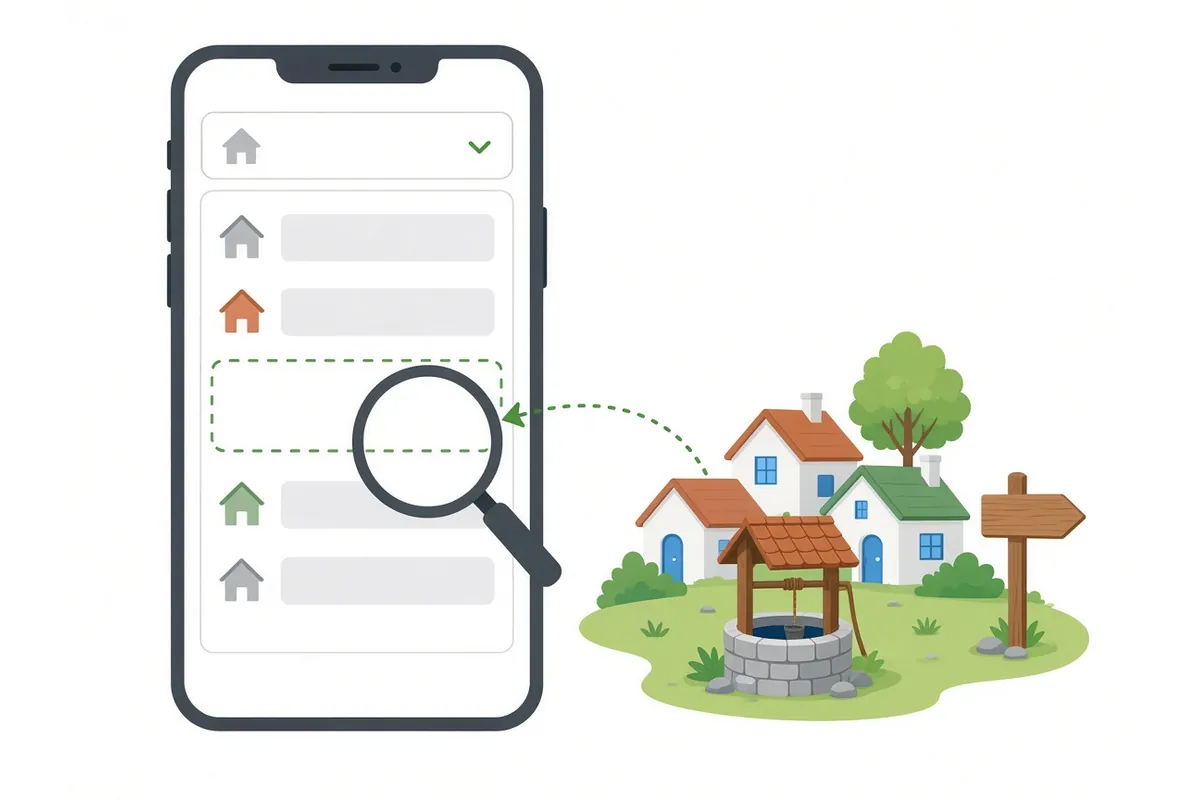
If your village is not in the Farmer Registry drop-down, the cause is usually the sub-district you chose, or the name you are searching for. Villages are listed only under their own sub-district (tehsil, taluka, mandal or circle), and the portal lists revenue villages, which may have a different name from the hamlet where you live. Check those two things first; they solve most cases.
This guide goes through the causes in the order you should check them. It also covers a different problem: when the portal shows the wrong village in your address.
Registration can ask for a village twice: once for where you live (residential details) and again for where your land is (land details). They can be different villages. Make sure you know which field is causing the problem.
First, which field is the problem?
| Residential village | Land village | |
|---|---|---|
| What it means | Where you live | Where the plot is recorded |
| Where it comes from | Aadhaar address, or chosen by you | Your land record |
| In the UP manual | “Insert latest residential details”, then choose village | Choose sub-district, then village, then enter survey number |
| If it is wrong | Correct your residential details | Choose the right sub-district and revenue village |
Check these causes in order
1. Wrong district or sub-district
Villages appear only under their own sub-district. If you chose a neighbouring tehsil, your village will not be in the list.
Fix: open your land record and copy the district and sub-district exactly. Sub-districts have different names in different states: tehsil, taluka, mandal, circle. See land record names by state.
2. You searched for a hamlet, not the revenue village
Many villages have hamlets known by their own names: majra, tola, wadi, pada, dhani and others. Land is recorded under the revenue village that includes them.
Fix: look at the village name printed on your land record. That is the name the portal uses. If you do not have the record, look it up on your state’s land record site. See official land record portals.
3. The spelling is different
Village names are often transliterated from Hindi, Marathi, Odia, Tamil or other scripts. One village can be spelt several ways in English.
Fix:
- Scroll the full list instead of typing the name.
- Try spellings with and without double letters (Rampur / Raampur), “pur” or “pura”, “gaon” or “gam”, “nagar” or “nagla”.
- If the portal is in your language, try searching in that script.
Why spellings differ
Land records in most states are kept in the local language, while many portal lists are shown in English. The FAQ explains that the matching tools used for names have “a capability to transliterate Indian language script to English and compare”. Village lists, however, are picked from a drop-down, so you still need to recognise the English spelling the portal uses. The FAQ also says the registry apps “are in local language”; if your state’s portal offers your language, switching to it can make the village easier to find.
Spelling patterns to try
| If you typed | Also try |
|---|---|
| A double vowel (Raampur) | Single vowel (Rampur) |
| “pur” | “pura”, “puram” |
| “gaon” | “gam”, “gaon khurd”, “gaon kalan” |
| “Khurd” or “Kalan” at the end | The name without it, or with the other |
| “Nagla” | “Nangla”, “Nagala” |
| A “w” sound (Wadi) | “v” (Vadi) |
| “sh” (Shivpur) | “s” (Sivpur) |
(Generic patterns, not real village names.) Words like “Khurd” (small) and “Kalan” (big) often separate two villages with the same base name. Choose the one your land record shows.
4. District or tehsil boundaries changed
When a new district or tehsil is created, villages move to it. If you remember the old tehsil, your village may now be listed under the new one.
Fix: check the sub-district shown on your latest land record, not an old one. The Local Government Directory (LGD) shows each village’s current district and sub-district.
5. The land data has not reached the registry
The FAQ explains that all land IDs are included in a bucket, “However, if state doesn’t send data for some land ids then such ids may be left out”. In rare cases, a whole village’s data may be missing.
Fix: you cannot fix this yourself. Report it to the help desk (see below).
6. Registration has not opened in your area
The Farmer Registry is run by each state. If registration has not opened in your state or area, its villages may not be available.
Fix: check your state’s official portal and announcements. See state-wise portals.
The village is on the land record site but not in the registry
This is the case to report. If you can find your village and your plot on your state’s land record website, but the Farmer Registry does not list the village under the same district and sub-district, the problem is not your search.
- Take a screenshot of the land record site showing the district, sub-district and village.
- Take a screenshot of the Farmer Registry list without the village.
- Note the LGD code if you can find it (see below).
- Report it to the help desk with both screenshots.
Meanwhile, register any land you own in other villages. You can add this village’s land later through your state’s update process once it appears. See multiple land plots.
Your village appears twice
Sometimes the list shows two villages with the same or similar names. Common reasons:
- Khurd and Kalan, or similar pairs, are two separate villages.
- The same name in two sub-districts. Check you are under the right one.
- A hamlet and its revenue village share part of a name.
Pick the one that matches your land record exactly: same district, same sub-district, same spelling. If both look identical, the LGD code settles it.
Do not pick a nearby village instead
It can be tempting to pick a neighbouring village that does appear. Do not. Land is recorded under a specific village, so your survey number will not be found, or worse, you may find a plot with the same number that belongs to someone else. A wrong claim will be rejected and can delay your real one.
Renamed, merged or split villages
Village names and boundaries do change. A village can be renamed, merged with another, or split into two. When that happens:
- Your land record may show the new name while you remember the old one.
- Or the record may still show the old name while signboards show the new one.
Always follow what your current land record says. If the land record and the Farmer Registry disagree about the village name, report it with screenshots of both.
When the wrong village is shown in your address
Why it happens
Your residential details are taken from Aadhaar. If your Aadhaar address is old, or written differently, the portal may show a different village or none.
What to do
The Uttar Pradesh manual says that if the details are not fetched correctly, you can click “Insert latest residential details” and then choose your village from the drop-down. Look for a similar option in other states.
If your Aadhaar address is out of date, you can update it at an official Aadhaar centre or through UIDAI. That is separate from the Farmer Registry.
Choosing your home village correctly does not add land. Land is claimed by its own village and survey number, from the land record.
The village shows, but your land does not
That is a different problem. The village exists in the registry, but your plot or your name is not appearing. Common causes:
- The land is in someone else’s name in the record.
- Your name is spelt very differently on that plot.
- You entered the wrong survey or sub-survey number.
See land details not showing and multiple land plots.
Finding your village’s LGD code
What it is
The Local Government Directory, run by the Ministry of Panchayati Raj, gives every village in India an official code. The AgriStack FAQ says that when Farmer IDs are created, the state provides “farmers Aadhaar number, name as in Aadhaar, village LGD code etc.”.
Why it helps
You do not need the code to register. But when a village name is spelt differently in different systems, the code identifies it exactly. It is useful when you report a missing village.
How to find it
- Open the Local Government Directory at lgdirectory.gov.in.
- Look for the village listing or search option in the public reports.
- Select your state, district and sub-district, then find your village.
- Note the village code and the official village name.
The site layout may change, so follow the labels on the page.
Reporting a missing village
The FAQ says that if a farmer faces any issue, “they can reach out to the State/district helpdesk team”, who will resolve it or “redirect the farmer to the appropriate official”. Find the number on Farmer Registry helpline.
What to tell them
| Information | Example |
|---|---|
| State | Uttar Pradesh |
| District and sub-district | As written on your land record |
| Revenue village name | As written on your land record |
| LGD village code | If you found it |
| Which field | Residential village or land village |
| What you see | “Village not in the list” or “wrong village shown” |
| Screenshot | If you have one |
Never share your Aadhaar OTP or password when reporting a problem.
What the help desk can and cannot do
| The help desk can | The help desk cannot |
|---|---|
| Check whether your village’s data has reached the registry | Change your land record |
| Pass the problem to the right official or the AgriStack team | Move your land to another village |
| Tell you the correct sub-district for your village | Approve your claim |
| Explain the next step in your state | Bypass OTP or e-Sign |
If the fix is in the land record itself, such as a wrong village name or wrong survey number, you need the tehsil or revenue office.
Before you visit the tehsil
- A printout or screenshot of your land record.
- Your Aadhaar card.
- Your enrolment number, if you started registration.
- The screenshots described above.
- Your follow-up notes: who you spoke to and when.
A worked example
Suresh lives in a hamlet called Chhota Nagla. He searches for “Chhota Nagla” under his tehsil and finds nothing.
- He checks his land record. The village is written as “Nagla Kalan”.
- He searches for “Nagla Kalan”. It is not under the tehsil he chose.
- His land record shows a different tehsil, created a few years ago.
- He chooses the new tehsil and finds “Nagla Kalan”. His land appears.
(Example names only.)
For CSC operators
- Ask the farmer for the land record, not just the village name they use.
- Confirm the sub-district from the record before searching.
- If a village really is missing, note its LGD code and report it.