When your land does not show up, or will not link, in the Farmer Registry, the problem is almost never the portal itself. In most cases the land record does not say what you expect it to say. The Farmer Registry reads your state’s record of rights (RoR) directly. If the RoR shows a different owner, a different spelling, a different survey number or an old entry, the registry will show exactly that.
This guide helps you find which of the common causes applies to you, and what to do about each. It covers both errors when fetching land and plots that are missing after registration.
The Farmer Registry is a mirror of your land record. To change what the registry shows, you usually have to change the land record first, at your tehsil or revenue office.
How land gets into your Farmer Registry profile
Understanding the process makes the errors easier to understand. According to the official AgriStack FAQ:
- Before registration opens, the state’s land records are processed village by village. Plots that appear to belong to the same owner, based on owner name and father’s or husband’s name, are grouped into a “bucket”.
- Some buckets are linked to Aadhaar in advance, using data from schemes such as PM-KISAN and crop insurance.
- When you register, buckets already linked to your Aadhaar are shown automatically after e-KYC.
- For anything not shown, you search by “district, subdistrict, and village where the land is located, along with the survey number and sub-survey number”.
- The system verifies that the plot exists in the RoR with that owner and compares names to produce a name-match score.
- Revenue officials approve or reject claims that are not approved automatically.
So a missing plot can fail at three points: it was not shown automatically, it cannot be found by search, or it was found but the claim failed or was rejected.
First, check your land record yourself
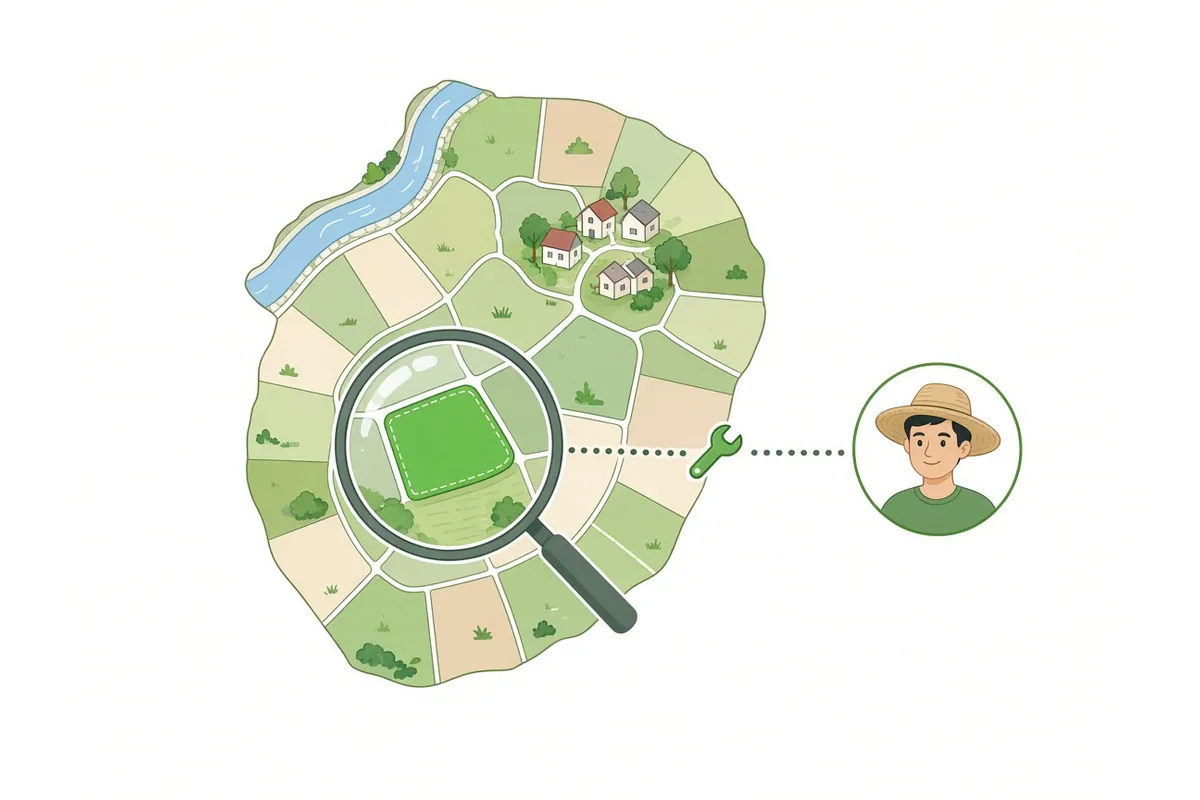
Before trying anything else, open your state’s land record website or get a copy from the tehsil, and look at each plot you want to add. Check five things:
| Check | Why it matters |
|---|---|
| Owner name | Is it your name, as an individual or co-owner? |
| Spelling | Does it match your Aadhaar closely? |
| Survey number | Is it the current number, after any subdivision or resurvey? |
| Village and sub-district | Is the land recorded in the village you think it is? |
| Status | Is there a pending mutation, dispute or stay entry? |
Our guides to official state land record portals and land record names across states help you find and read your record.
Error 1: “Fetch Land Details” shows nothing
What it means: None of your land was linked to your Aadhaar in advance. This is common and not a fault.
What to do: Search for each plot manually. In the official Uttar Pradesh manual, this means selecting the sub-district and village, entering the survey number, clicking Submit, choosing the owner’s name, and clicking “Show Land Details”, then “Add”. Other states follow the same reference design.
- Choose the district, sub-district (tehsil, taluka, mandal or circle) and village where the land is recorded.
- Enter the survey number exactly as in your land record (khasra, gata, dag, survey number).
- Select the sub-survey number if there is one.
- Pick your name from the list of owners.
- Check the area and click Add. Repeat for each plot.
Error 2: Survey number “not found”
Possible causes and fixes:
- Wrong village or sub-district. Land is often recorded in a revenue village whose name differs from the hamlet you live in. Check the village on your land record. See village not showing.
- Old survey number. After a subdivision, consolidation or resurvey, the number changes. Use the current number from the latest record.
- Formatting. Some states use numbers like
123/1,123-1or a separate sub-survey field. Try entering the main number and selecting the sub-survey from the list. - Land not yet in the digital RoR. Rarely, a plot may not be in the digitised record. Ask the tehsil.
Our survey numbers guide explains numbering in more detail.
Error 3: “My name is not there in the list of owners”
You found the plot, but your name is missing from the owners list. The UP manual shows a link labelled “My name is not there in the list of owners”, described as a way “to add land from Live RoR/ Bhulekh”, meaning the current land record. If your name still does not appear there, the record itself does not list you. These are the usual reasons.
The land is in a deceased parent’s or relative’s name
This is one of the most common situations. The official FAQ lists “The owner has passed away, but the land records have not been updated (mutation has not occurred)” among the main reasons claims are rejected.
Fix: Apply for succession mutation at your tehsil or revenue office. Once the record shows you as an owner, you can claim the land. The FAQ also says states can decide whether to bring legal heirs into the registry “pending updating to ROR” with officials’ approval, so ask your agriculture office whether your state allows this. See inherited land and land mutation.
You bought the land, but the record is in the seller’s name
The FAQ lists “The Record of Rights still stands in name of seller and not in the name of buyer-farmer” as another common rejection reason. A registered sale deed is not enough; the mutation must be completed.
Fix: Complete the purchase mutation at the revenue office.
The land is jointly held and listed under one name
In some records, joint owners are listed together or under the main owner. The FAQ explains that joint owners without separate shares share one Farm ID, and each co-owner can claim it. If only one family member appears, the others may need the record updated. See joint land and women farmers.
You are a tenant or sharecropper
The registry is built around owners. The Ministry has said the application has a provision for cultivators such as tenants and sharecroppers, but how this is used depends on the state. See tenant farmers.
Error 4: Land found, but name-match score is low
The system compares your Aadhaar name with the owner name in the RoR. The official FAQ says the score ranges from 0 (no match) to 100 (perfect match) and that states set their own thresholds. In Uttar Pradesh, according to the official manual:
- 80 or more: approved automatically;
- 16 to 79: sent to the Lekhpal for approval;
- 15 or less: blocked.
A medium score is not an error. It means a person will check. A very low score usually means the land belongs to someone else, or the names differ completely. See the name mismatch guide.
Error 5: Claim rejected after submission
If an official rejected your land claim, the FAQ lists the common reasons:
- the names in Aadhaar and the land record do not match sufficiently;
- the land is not in the farmer’s name;
- the owner died and the record was not mutated;
- the record is still in the seller’s name.
The FAQ also says a claim may be rejected if someone with an identical name and father’s name claims land that belongs to a different person.
What to do: Find out which reason applies (ask the help desk or agriculture office), fix the underlying record, then apply again or use the update process. See application rejected.
Error 6: A plot is missing after you already have a Farmer ID
Perhaps you forgot a plot, or acquired new land. You do not need a new registration.
Fix: Use the Update Farmer Request (UFR). The official FAQ says UFR lets farmers update their records. The UP manual describes adding missed land through “Update My Information”, then “Land Ownership and Land Details”, then ”+ Add New Land (Owned)”, and says this is available only after the Farmer ID is approved. The update goes through the same name-match and approval checks.
The FAQ also explains that where the state has connected the registry electronically to its land records (“As per State decision”), later mutations “would automatically move” land from one farmer to another. So in those states, a plot you sold should leave your profile once the mutation is recorded. Where that link does not exist, ask your agriculture office how sales are reflected.
Error 7: Someone else’s land appears in your profile, or yours in theirs
The FAQ addresses this directly. A wrong claim is most likely when two people have the same name and the same father’s name in the same village. Officials can reject such claims. If one was approved by mistake, “the Farmer can use an Update Farmer Request process to fix the issue”, and a farmer who believes a bucket was wrongly claimed “should approach the agristack authorities who would delink such bucket from him after necessary verifications”.
What to do: Raise a grievance through the portal or with the agriculture office, with a copy of your land record. See grievance guide and duplicate records.
Quick diagnosis table
| What you see | Most likely cause | Where it gets fixed |
|---|---|---|
| Nothing appears automatically | Land not pre-linked to Aadhaar | On the portal: search manually |
| Survey number not found | Wrong village or outdated number | Check land record; ask tehsil |
| Your name not in owners list | Record in another person’s name | Tehsil: mutation |
| Low name-match score | Spelling differs | Aadhaar centre or tehsil |
| Claim rejected | One of the four FAQ reasons | Depends on reason |
| Plot missing after approval | Not added at registration | Portal: Update Farmer Request |
| Wrong land in profile | Same-name claim | Agriculture office: grievance |
How to read your land record before searching
Most “not found” errors come from entering a number that is valid in daily life but not the one the registry uses. Before you search, take these values from the record itself, not from memory or an old receipt:
- The revenue village, exactly as written. In many states, several hamlets come under one revenue village, and the registry list uses the revenue village name.
- The sub-district (tehsil, taluka, mandal, circle or block) printed on the record.
- The plot number used in your state: khasra or gata in Uttar Pradesh, survey number in many southern and western states, dag in Assam, plot number in Odisha.
- Any sub-division such as
/1,/Aor a hissa number. The registry often treats this as a separate sub-survey field. - The owner names and the father’s or husband’s name, as spelt in the record.
The record names and plot numbering differ by state. Here are the ones confirmed on official state portals:
| State | Land record commonly called | Official portal |
|---|---|---|
| Uttar Pradesh | Khatauni; khasra or gata number | upbhulekh.gov.in |
| Maharashtra | 7/12 extract (Satbara) and 8A | bhulekh.mahabhumi.gov.in |
| Rajasthan | Jamabandi; khasra number | apnakhata.rajasthan.gov.in |
| Odisha | RoR; khata and plot number | bhulekh.ori.nic.in |
| Tamil Nadu | Patta, Chitta, A-Register | eservices.tn.gov.in |
| Andhra Pradesh | Adangal, 1B | meebhoomi.ap.gov.in |
| Chhattisgarh | B1, khasra, P-II | bhuiyan.cg.nic.in |
For other states, see official state land record portals.
Notes for some states
- Uttar Pradesh. The official manual describes the full land flow: Fetch Land Details, then manual search by tehsil, village and survey number, then “Show Land Details”, “Add” and “Verify All Lands”. Sub-survey numbers are filled in automatically when available. Claims with a name-match score from 16 to 79 go to the Lekhpal. See the Uttar Pradesh guide.
- Maharashtra. The official FAQ (July 2024) notes that Maharashtra had “enabled changes” to Farm IDs that “happen during Mutation”. If you recently bought or inherited land, check that the 7/12 extract shows the change before you claim. See the Maharashtra guide.
- Odisha. Land records are in Odia. The official FAQ confirms names are transliterated by C-DAC tools before matching, so an English Aadhaar name can still match. See the Odisha guide.
- Karnataka. Farmers in Karnataka have long used the state’s FRUITS system. Ask the agriculture office how your FRUITS ID relates to Farmer Registry land claims. See the Karnataka guide.
For CSC operators and facilitators
If you are helping farmers at a CSC or camp, a short check before you start saves repeated visits:
- Ask the farmer to bring a current copy of each land record, not an old one.
- Confirm the farmer’s name appears as an owner on each record. If a plot is in a parent’s name, explain that it cannot be claimed yet, and send them to the tehsil.
- Compare the Aadhaar name with the record name. If they differ a lot, warn the farmer that the claim will go to an official or may be blocked.
- Search each plot using the revenue village and current survey number.
- Check the area of each plot shown before clicking Add.
- Before the farmer gives consent, read back the list of plots and confirm it is complete.
- Note the enrolment number for the farmer, and tell them how to check the status.
Never ask the farmer to share an OTP over the phone, and never keep copies of their Aadhaar. See our CSC guide.
What not to do
- Do not claim land that is not recorded in your name, even if your family farms it. Wrong claims are likely to be rejected and can delay your genuine claims.
- Do not pay agents who promise to “add land” without changing the land record. The registry cannot be edited around the RoR.
- Do not share your OTP with anyone to “fix” land details.